Direct the film,
shot by shot.
Bring your cast and your world into each shot, direct the camera and the light, choose the take, and cut the film on a timeline.
Your cast, your world
Attach character, location and style references to a shot and give each one a role in your direction.
Direct the feeling
Shape framing, camera movement, light and colour from one director's panel.
Keep every take
Try a new direction without losing the last one. Takes stay with their shot.
A film is a series of decisions.
Each shot has its own references, its own direction and its own takes.
DirectSample
 @Mira
SQ010 Sequence 14 of 4 shots · 0:40 · 24 fps0:00/ 0:401 minFit+ Shot
A sketch of the Stage One workspace. Pick a shot to see its direction. Nothing is generated here.
Cut it on a real timeline.
Arrange shots, set their timing and add sound. Split any shot in two, and keep a separate cut for every version of the film.
Start from a finished script.
Origin develops the story, the characters and the locations, then hands the whole package to Stage One as shots to direct.
See Origin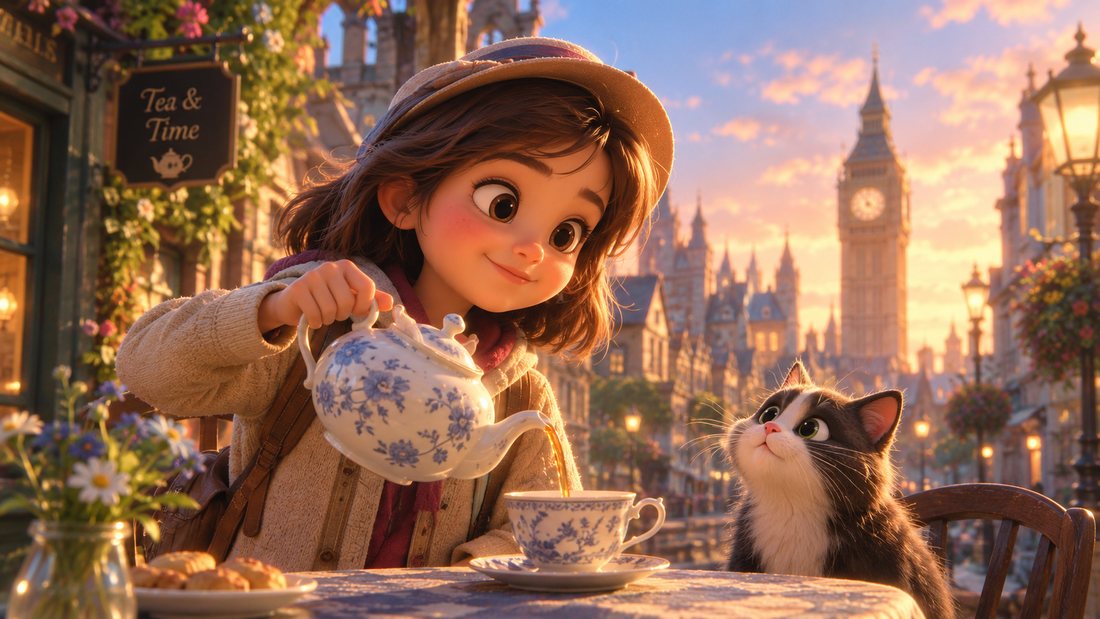
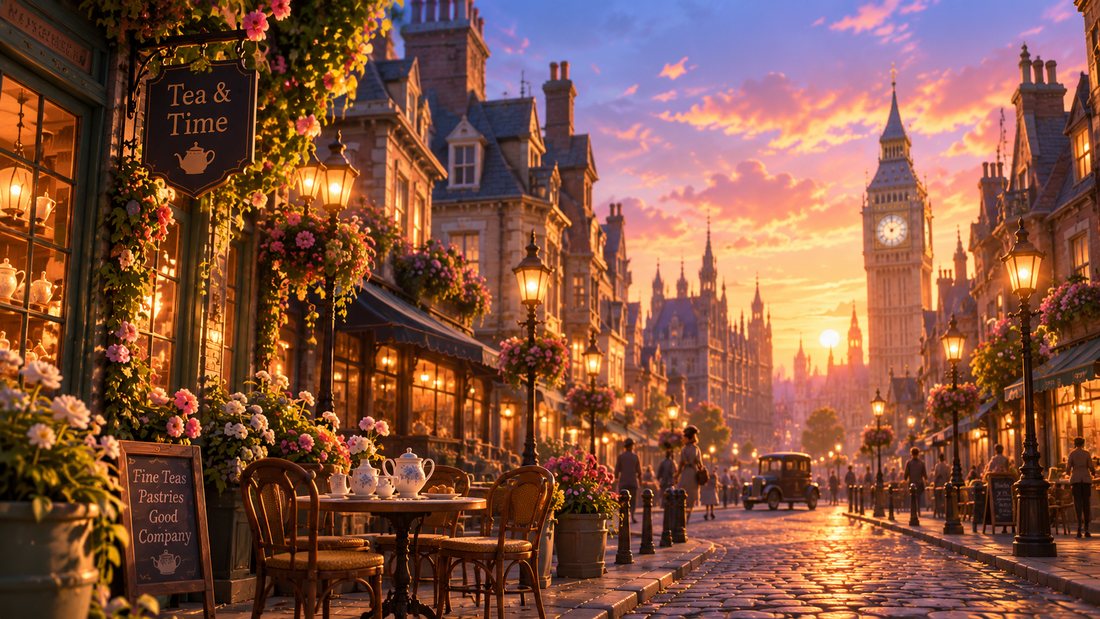
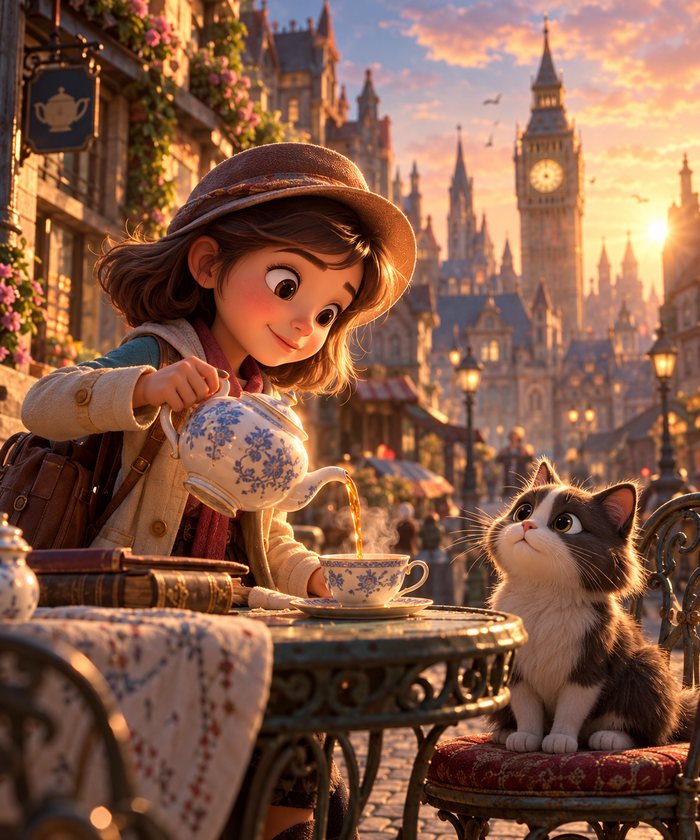
Made in Stage One.
Test animatics from the app.
Explosive chase
Mumbai
Tokyo
The midnight move
Questions.
Do I need filmmaking experience?
No, but it helps. Stage One uses the working language of a set: shots, takes, camera and light.
Where do characters come from?
From Aura ID. A character you build there keeps the same face in every shot.
Can I edit the film in Stage One?
Yes. The Sequencer is a timeline for arranging shots, timing and sound.
Can I bring a script?
Yes. Write it in Origin or bring your own, then break it into shots.
The rest of the platform.
Every tool shares your brand, your cast and your library.
Make the film only you can imagine.
Start with one shot.