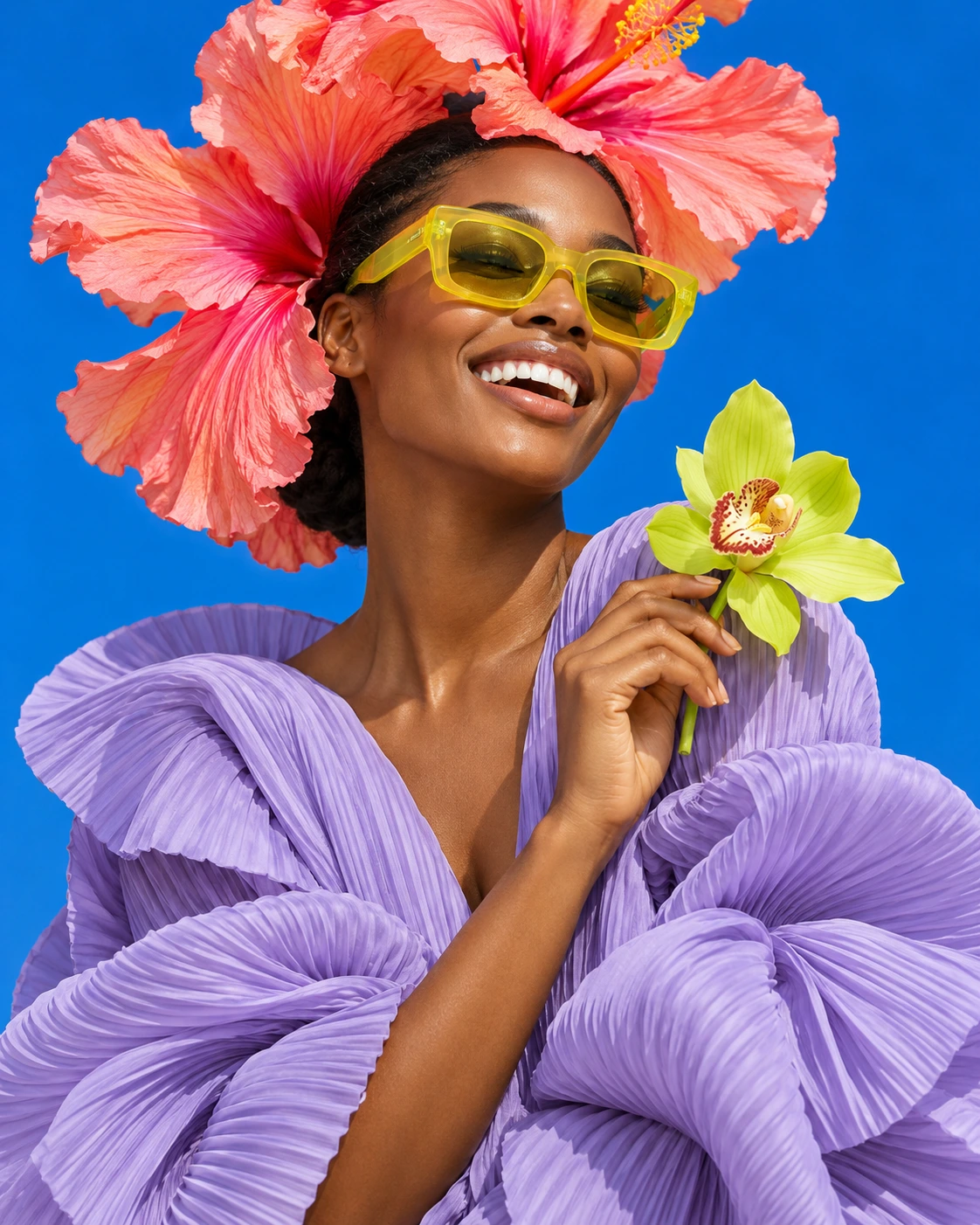
Every image is
a starting point.
Generate a picture from a few words and references, then edit, relight and reframe it on an open board until it is right.
A frame keeps the thread, the way a conversation does.
Start with a picture. Then say only what changes: “at dusk”, “in deep snow”. Each run builds on the one before.
 Builds on the newest picture ×New frame
The thread4 runs
You only say what changes. The cottage, the gate and the view carry over, because the frame holds the prompt, the settings and every run.
Bring a picture. Keep the object, change the place.
Use any picture as a reference and Canvas places that exact object in a new setting.
Reference
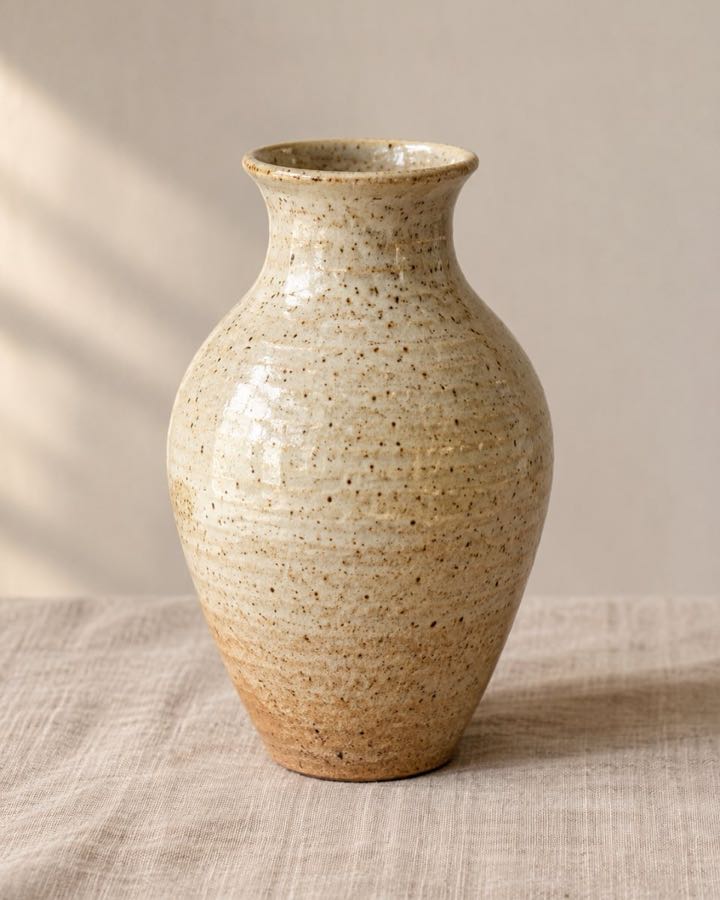 The vaseOne picture, used as the reference
Place it
The object stays itself. Shape, glaze and proportions hold while the place changes.
Change one thing with an instruction. Keep the rest.
An instruction edits the image you have. It does not start again.

 OriginalEdited
Layers+
EditedOriginalDimensions
Rotation
Opacity
A sketch of the Canvas editor. Drag to compare the two versions. Nothing is generated here.
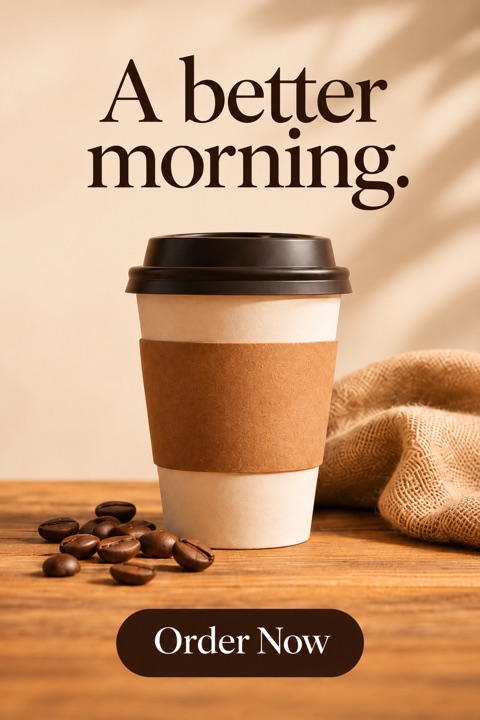
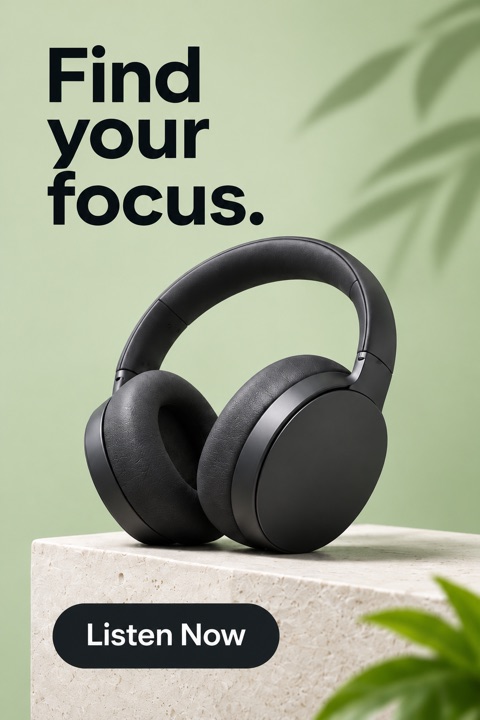
Static ads, inside Canvas.
Add a product and a presenter, describe the shot, and get a set of ads in your brand.
See Ad Studio
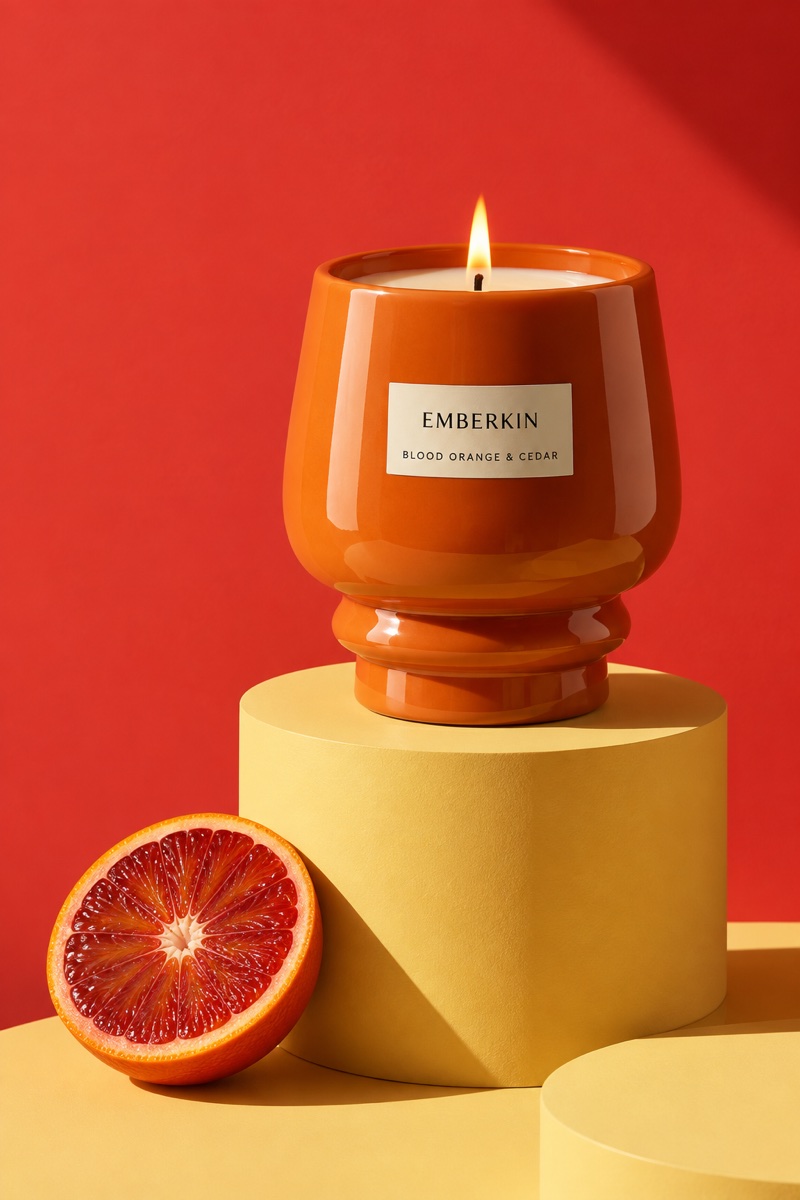
Split a picture into layers you can move.
Subject and background come apart cleanly, ready to rearrange or reuse.

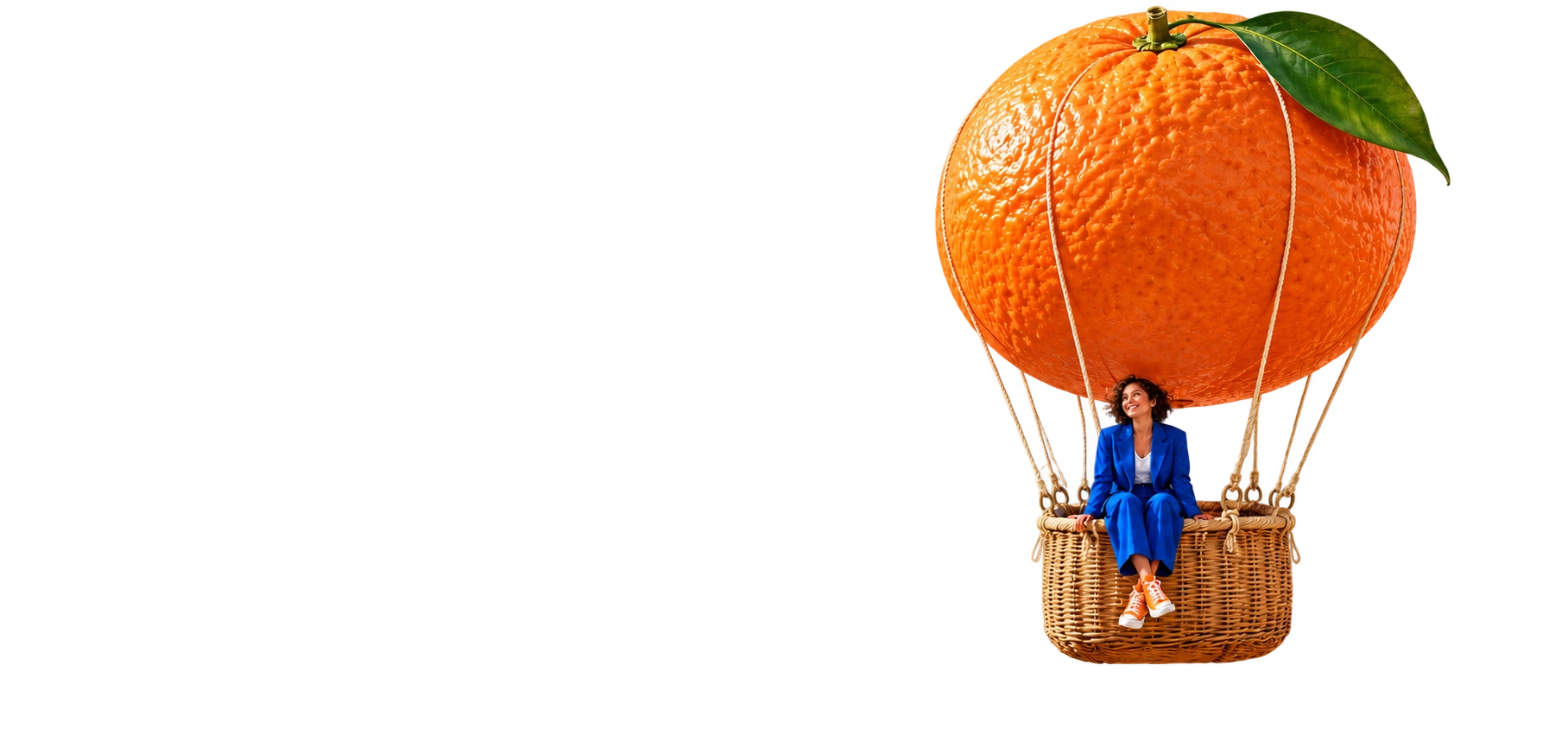
Layers2
One picture becomes parts you can move. Hide a layer, replace it, or take it to another image.
Change the light after the picture is made.
Choose where the light comes from and what colour it is. The subject stays as it was.
Light
The subject does not change. Only where the light comes from, and its colour.
Put the subject anywhere.
Remove the background, replace it with a place, or keep a plain colour for a product page.
Behind the subject
Remove, replace or remix. Any place, any style, or a plain colour, with the subject cut cleanly.
Carry the colours of one picture onto another.
Match a product to a palette without repainting it by hand.
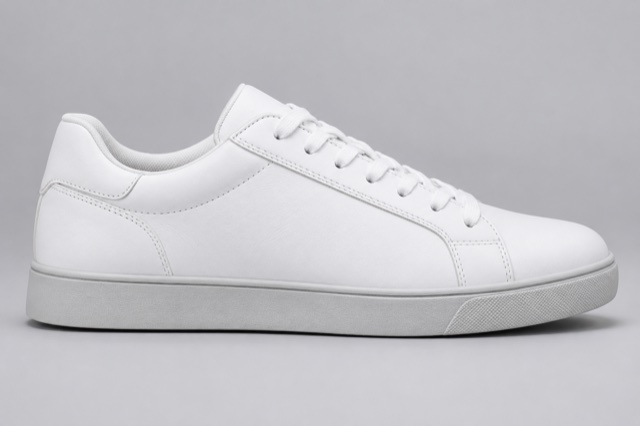

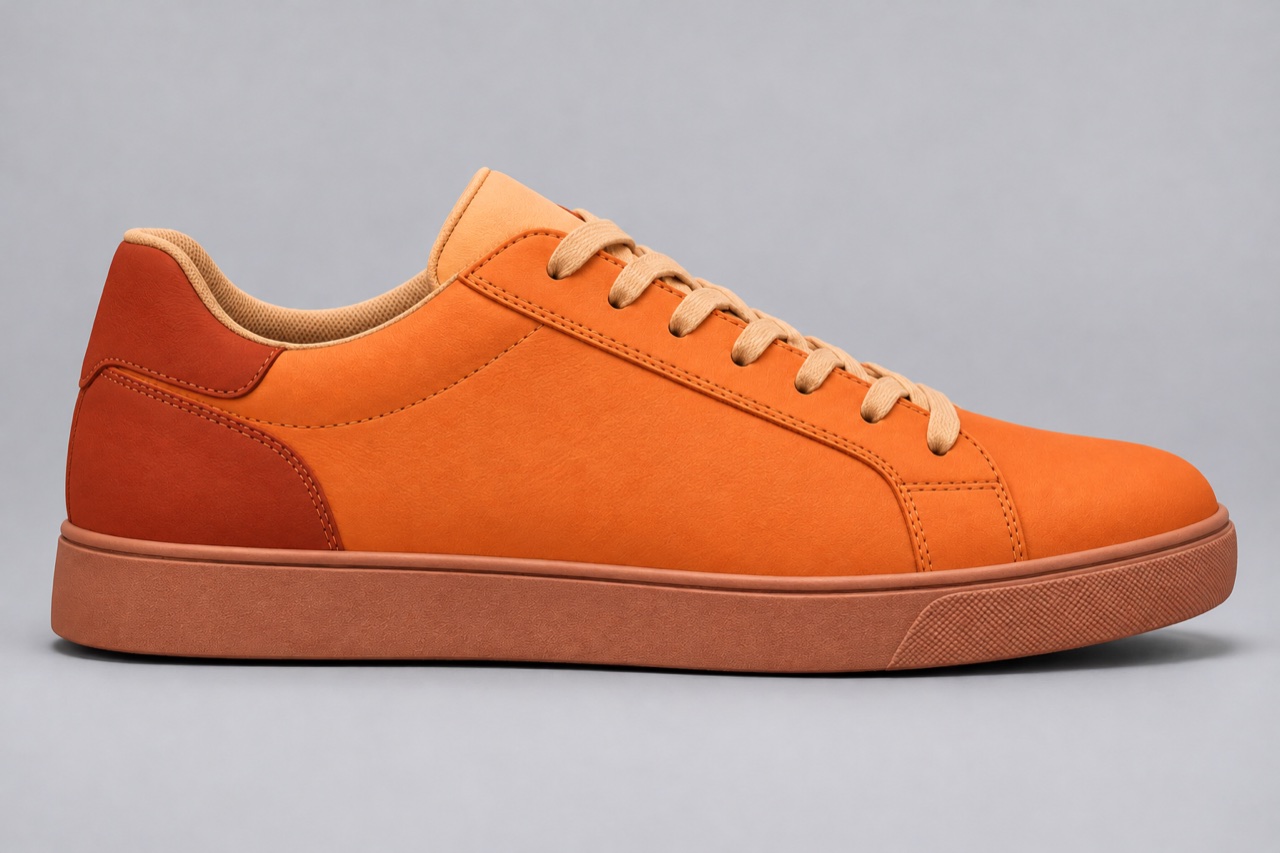
Examples
The product keeps its shape and material. Only its colours move to match the reference.
Keep the scene. Recast the person.
Same pose, same clothes, same light, a different person.

 OriginalRecast
Kept
Changed
Recast without reshooting. Drag to compare. Everything except the person is the same picture.
Made in Canvas.

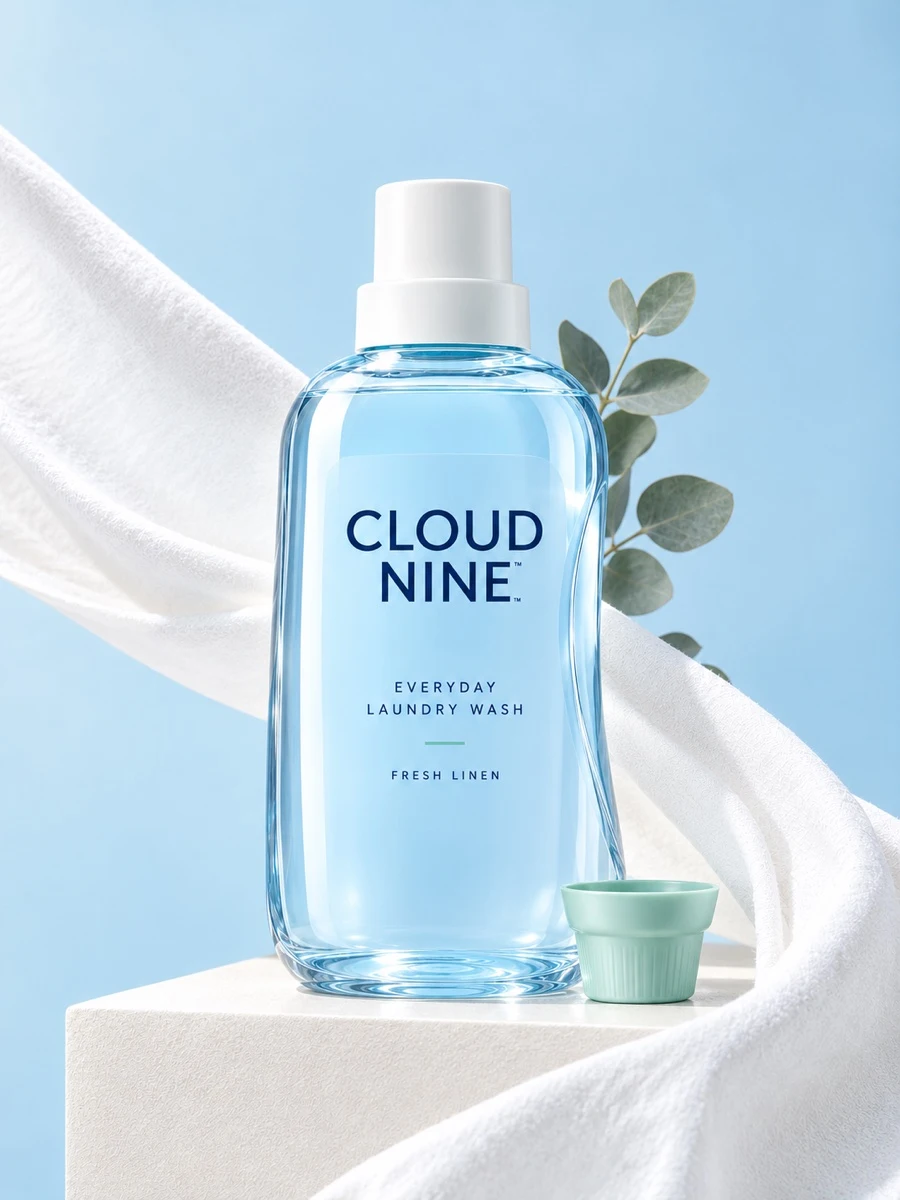
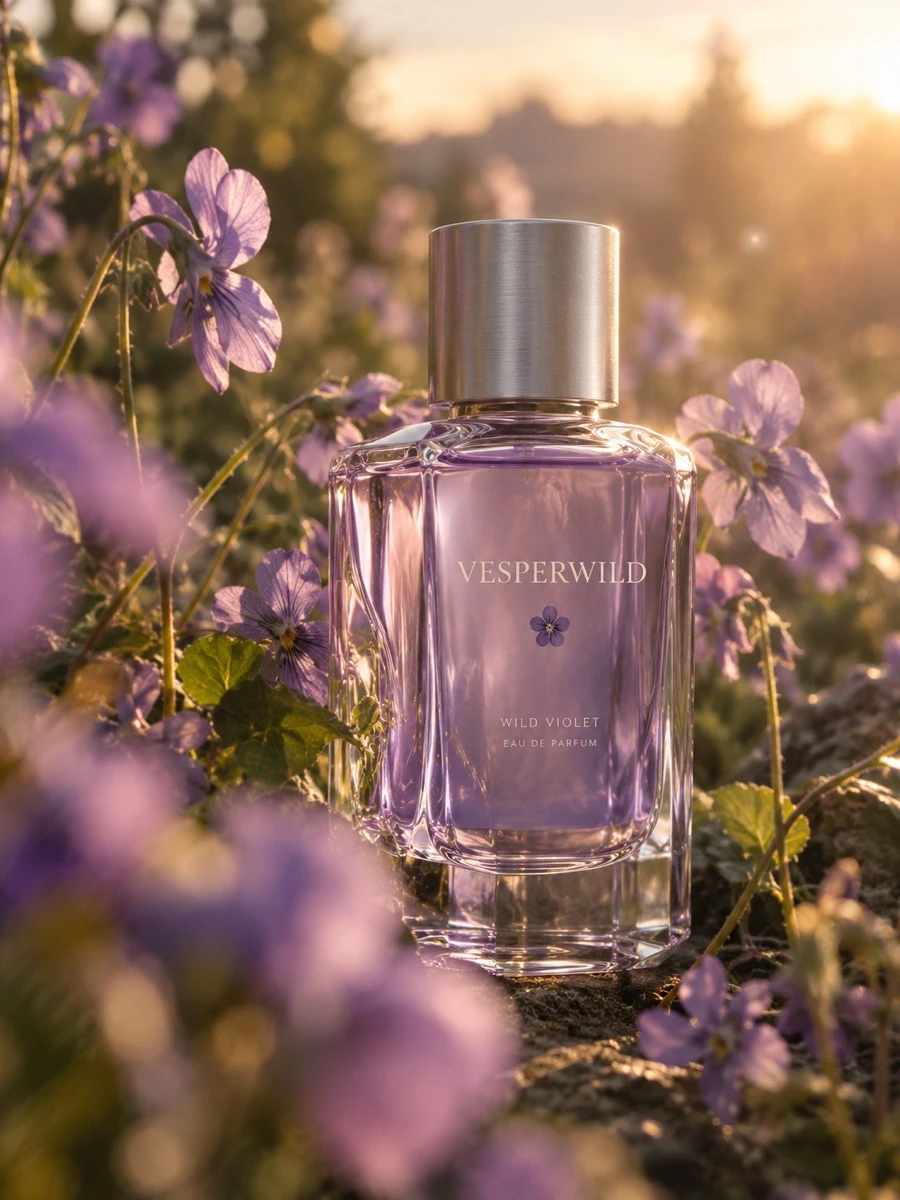
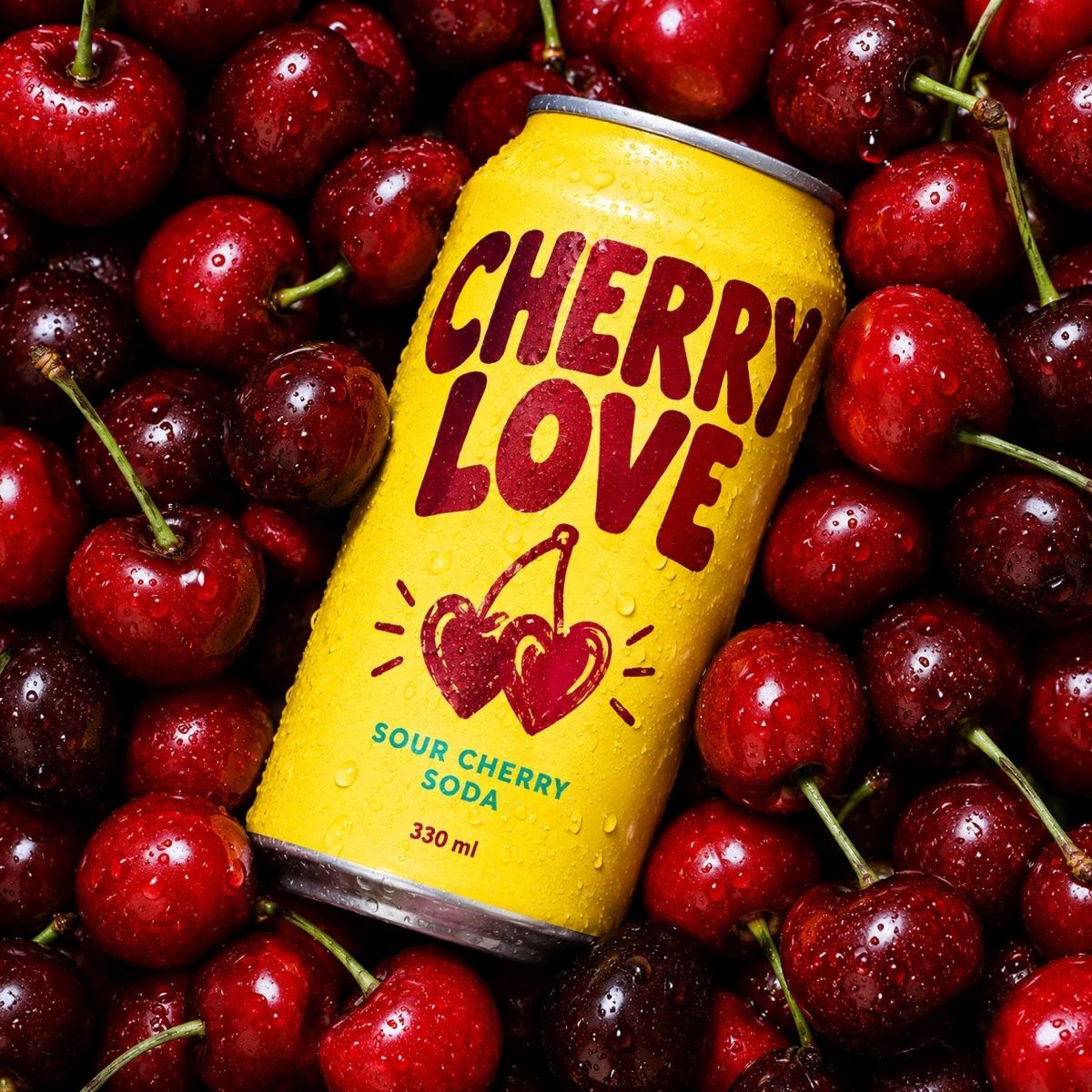
Questions.
What is a frame?
A frame holds one line of work: its prompt, its settings and every run. The next run in a frame builds on what is already there, so you only describe the change.
Can I start a clean thread?
Yes. Leave the picture out of the next run, or start a new frame.
Can I edit my own pictures?
Yes. Upload an image and use the same tools as on a generated one.
Do my earlier versions stay?
Yes. Every run stays in its frame, and edits keep the versions that came before.
The rest of the platform.
Every tool shares your brand, your cast and your library.
Give the idea somewhere to grow.
Start with a few words or a picture of your own.