Direct the film,
not the software.
Write the story, cast it, direct each shot and cut it on a timeline. The tools speak the language of a set.
Every shot is a decision you make.
Direction on the left, the take in the middle, the sequence below. Pick a shot to see how it was directed.
DirectSample
 @Mira
SQ010 Sequence 14 of 4 shots · 0:40 · 24 fps0:00/ 0:401 minFit+ Shot
A sketch of the Stage One workspace. Pick a shot to see its direction. Nothing is generated here.
Story first
Origin develops a logline into scenes and planned shots, then hands the package to Stage One.
A cast that holds
Characters come from Aura ID, so the lead in shot one is the lead in shot forty.
A real timeline
Arrange shots, set timing and add sound. Split a shot, and keep a separate cut for each version.
The story, scene by scene.
Before anything is filmed, Origin breaks the script into scenes and plans the shots for each.
Scenes3 · In script order · about 0:40 of 60 secPlan all shots
Logline · A keeper on a lonely coast repairs an old signal to guide a ship home.
01EXT. OBSERVATORY – DUSK10 sec · 2 shotsReady
A lone researcher returns to an abandoned coastal observatory as the sea churns below. MiraObservatory
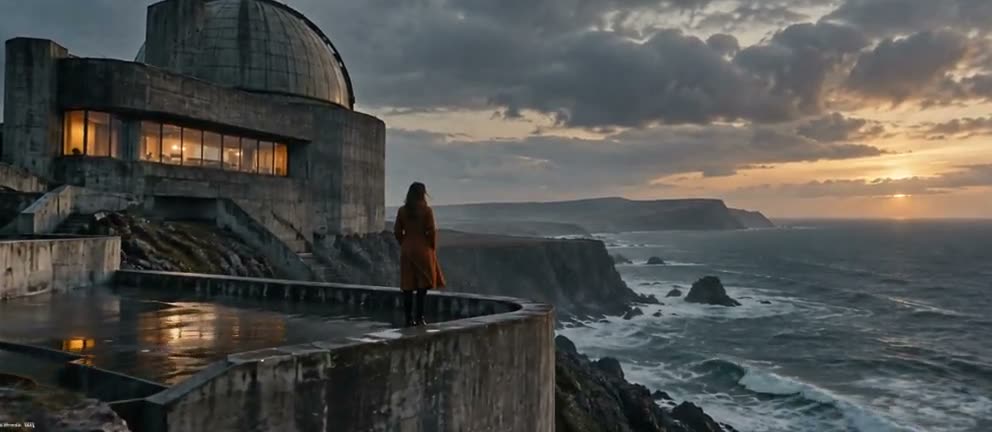
02INT. OBSERVATORY – NIGHT20 sec · 3 shotsReady
She finds the old radio and repairs the cable that feeds the beacon. MiraObservatory
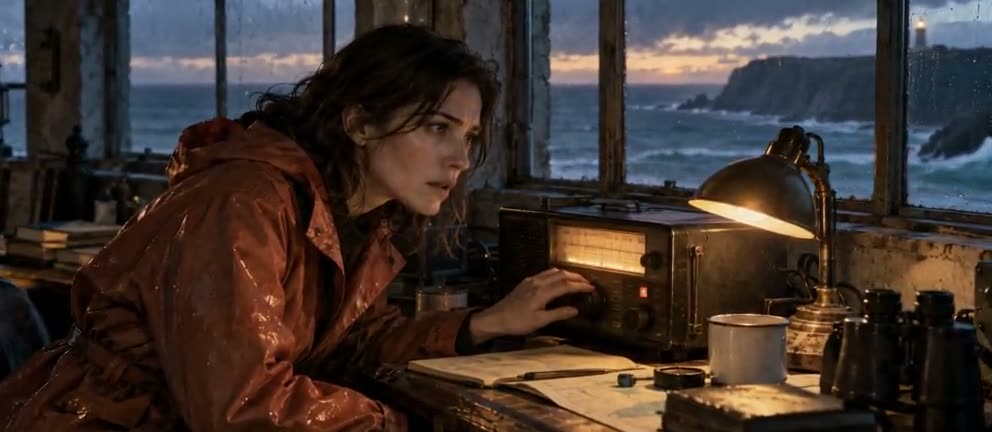
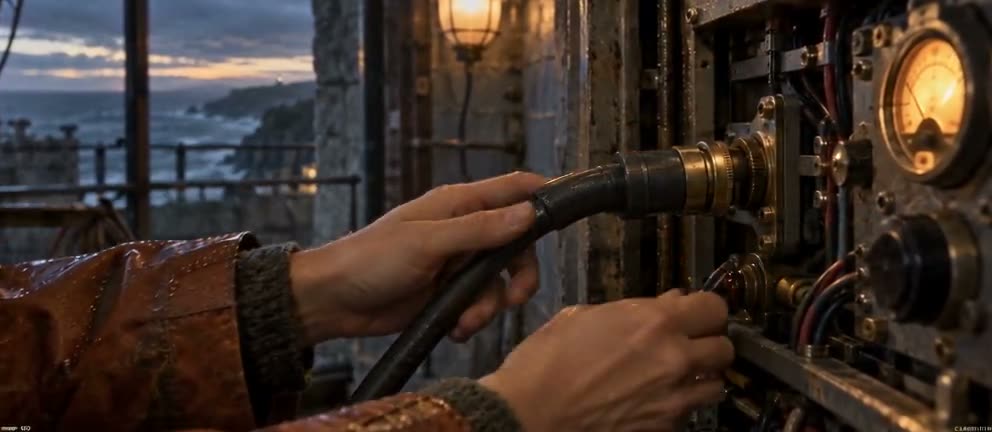
03EXT. HARBOUR – DUSK10 sec · 2 shotsDraft
The beacon is lit. She watches the boats come in to safe harbour. MiraHarbour
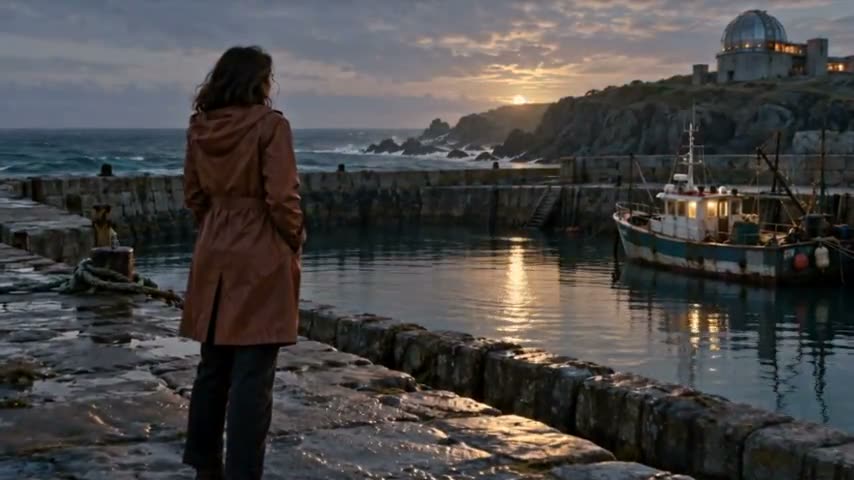
A sketch of a story's scenes in Origin. Open or close a scene to see its planned shots. Nothing is generated here.
Where to start.

Make the film only you can imagine.
Start with one line of story, or one shot.