Product video,
without the shoot.
Choose a format, add your product and your creator. Shorts Studio writes, shoots and cuts a short video ready to post.
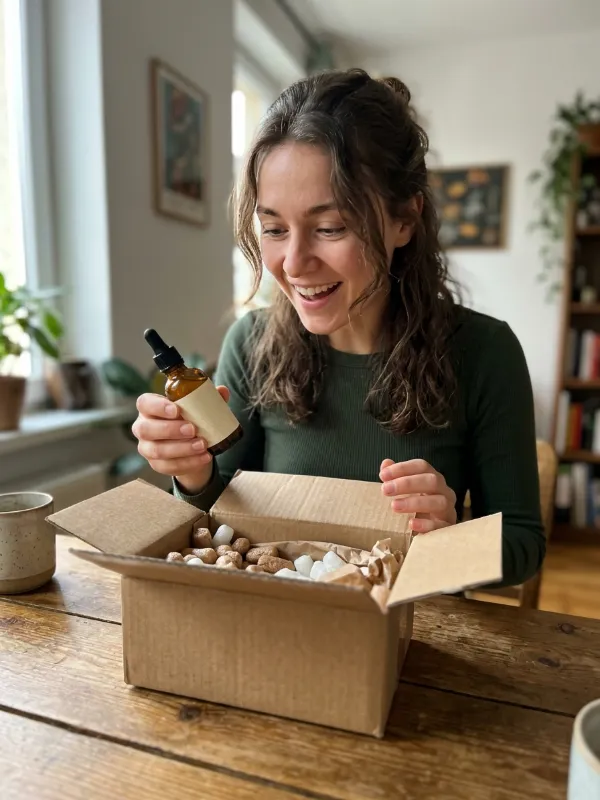
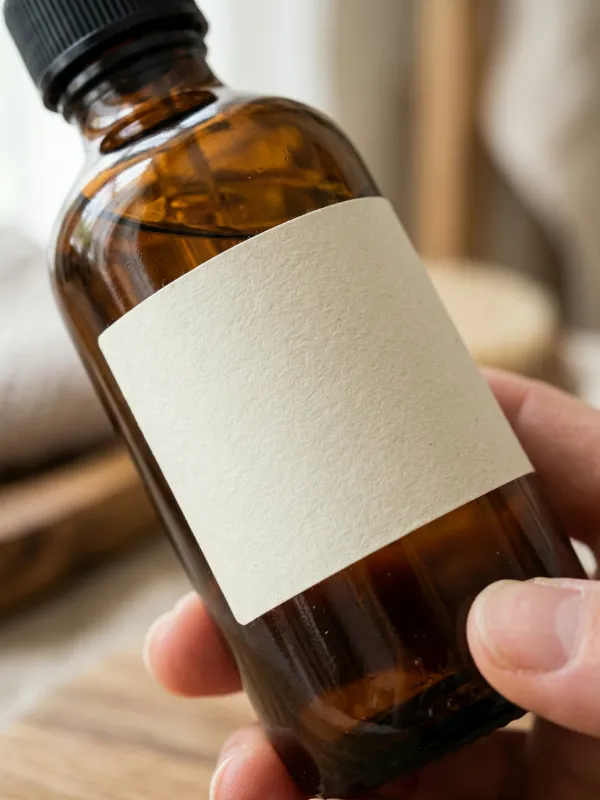
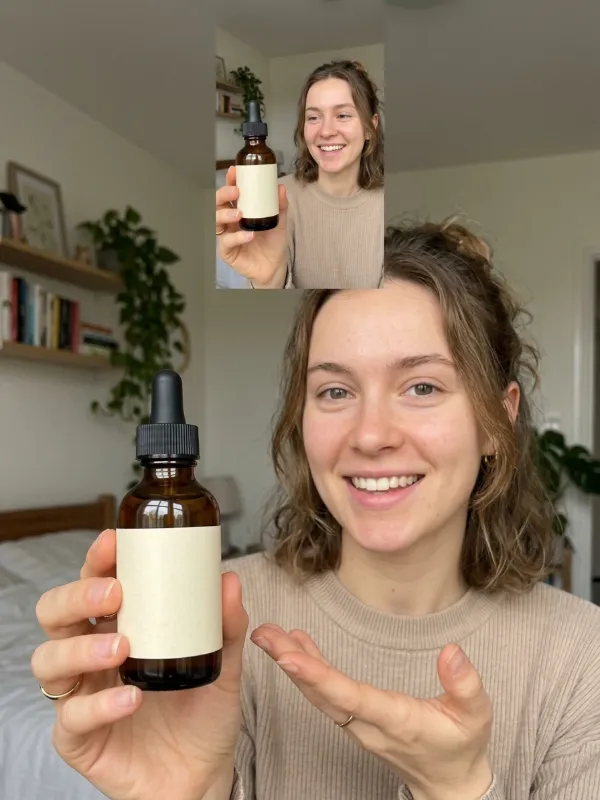
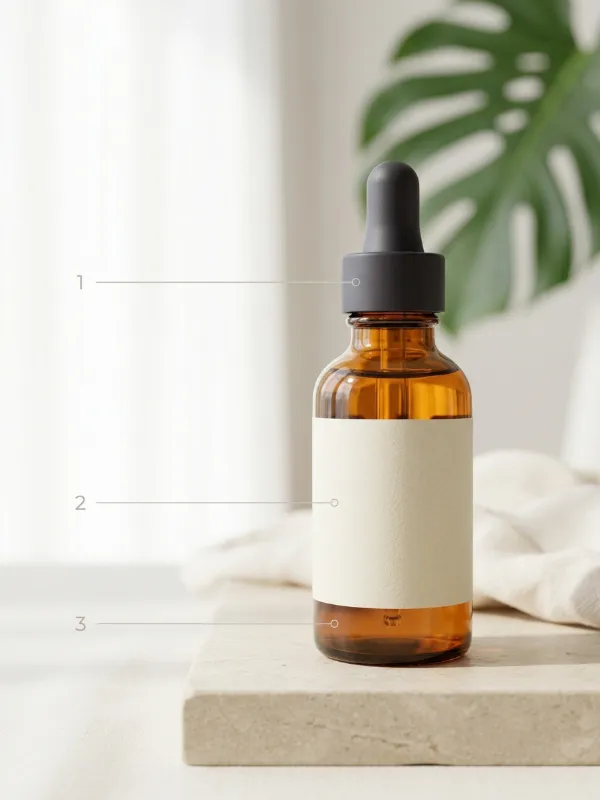

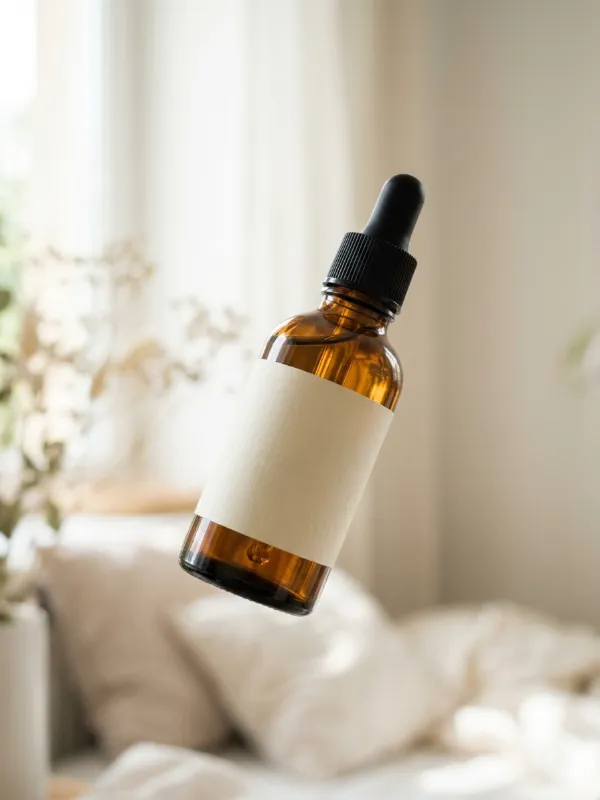
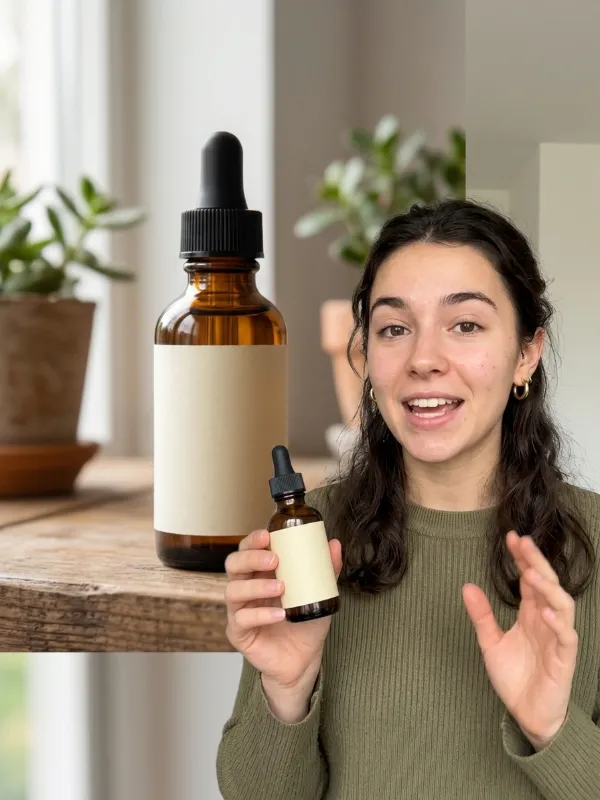
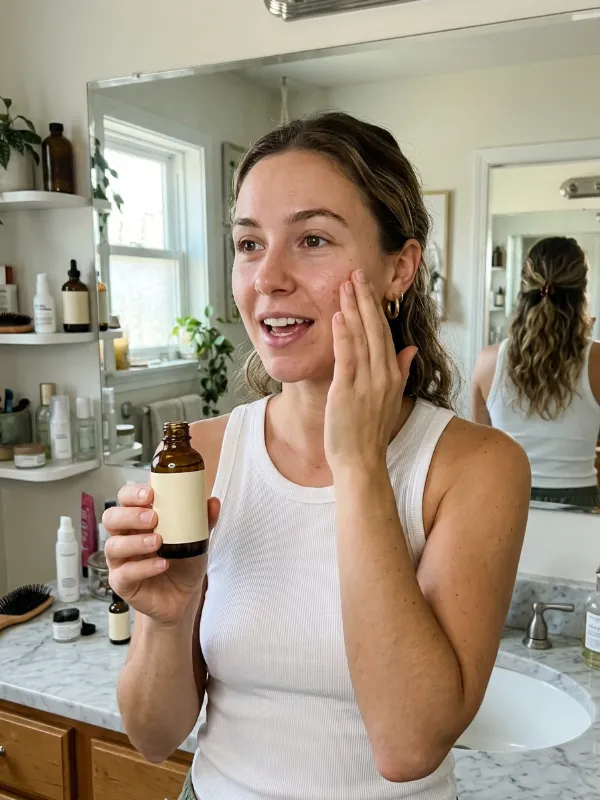

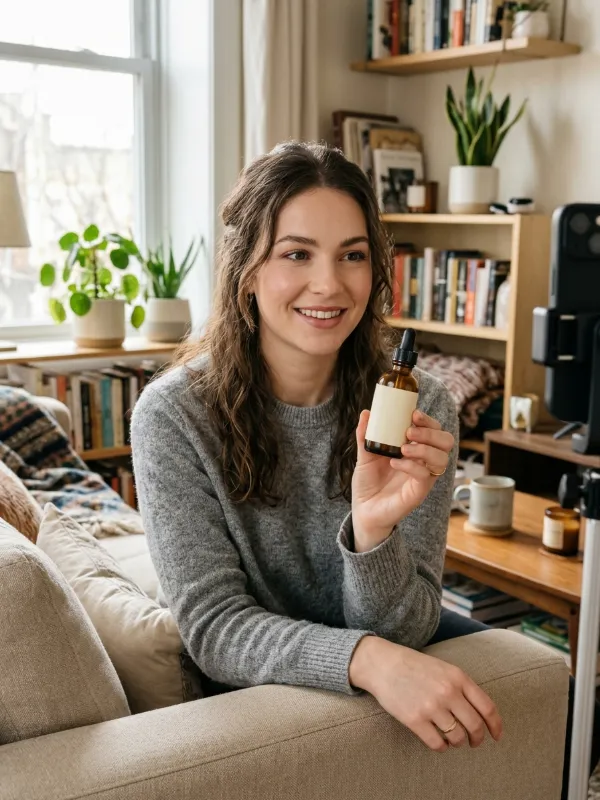

Three decisions. The rest is handled.
You make the choices that matter. An agent handles script, shots and edit.
Choose a format
Unboxing, taste test, get ready with me, studio plinth and 34 more, each built for how product video is watched.
Add your product and creator
Upload a product picture and pick a creator from your cast, or make a new one.
Review the video
Shorts Studio returns a finished vertical video. Ask for changes in plain words.
The same face in every video.
Creators come from Aura ID, so the person presenting this week is the person your audience met last week.
See Aura IDMade in Shorts Studio.
Milo
Dancing cat
Burnout
Street
Start from a template.
Every template comes with its script and direction. Pick one and make it yours.
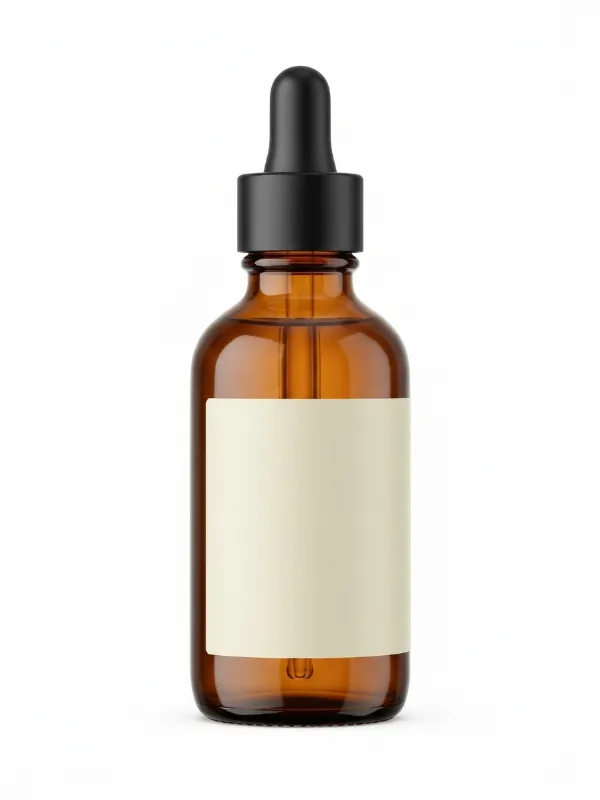 Face serumA photo of it
 @NoorFrom Aura ID
A sketch of the Shorts Studio workspace. Choose something to see it change. Nothing is generated here.
Open any shot and direct it.
The agent drafts the script and the storyboard. Every shot stays yours to change: who is in it, what we see, the line and the direction.
Still ready
Who’s in it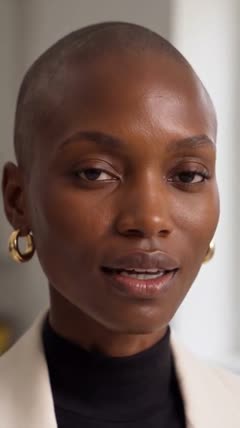 AmaraCreator · Pinned look
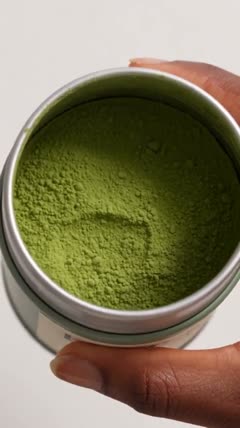 Lumen matchaProduct
A sketch of the shot editor in Shorts Studio. Pick a shot on the timeline to see its direction. Nothing is generated here.
Questions.
What do I need to start?
A picture of your product. A creator and your brand details make the result more consistent, and you can add them at any time.
Can I change the result?
Yes. Ask for changes in plain words, or open the video in the full tools to change individual shots.
Where do static ads fit?
Static ads are made in Ad Studio, an app inside Canvas. Shorts Studio is for video.
What shape are the videos?
Vertical, 9:16, made for short-video feeds.
The rest of the platform.
Every tool shares your brand, your cast and your library.
Your product, in a video, today.
Start with one product picture.