Any performance.
Your character.
Choose a clip with the movement you want. Echo Vibes puts that motion onto a character you choose.
WildDrift Motion
ViralRapSong
PopDance
BasketBall Champion
EsclatersVibes
fire juggling
Pick an example. Recreate it with your character.
Every example is a finished clip you can start from. Choose one, add your character, and generate.
 @KofiCharacters, products or clothes · up to 30 images
A sketch of the Echo Vibes workspace with examples from the app. Choose one to make it the reference. Nothing is generated here.
A reference clip. Your character. The result.
The reference supplies the motion. The character supplies the face and the look.
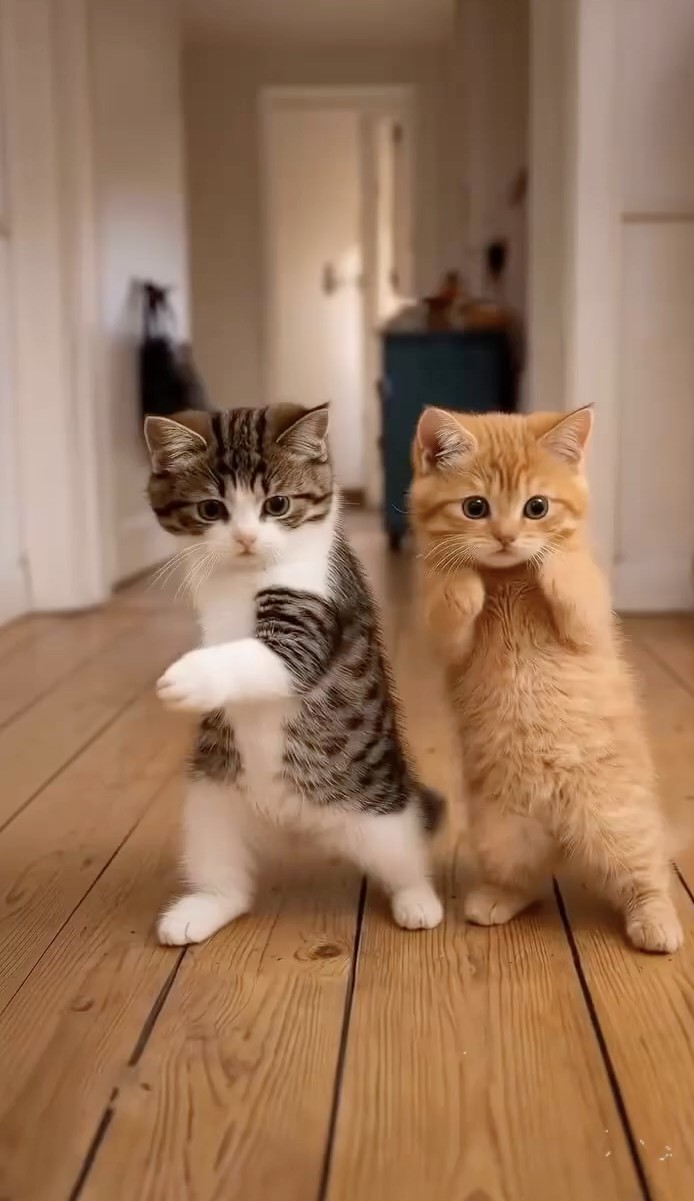
Start from a move, not a prompt
Dance, walk, gesture, stunt. If a clip shows it, your character can perform it.
Keep the character
The face and look come from your own character, so the result still belongs to your cast.
Ready for the feed
Clips come back in the vertical shape short-video platforms expect.
Questions.
What kind of clips work?
Clips where one subject moves clearly: dance, walking, gestures and simple action.
Whose face is in the result?
Your character’s. The reference clip supplies only the motion.
Can I use my own reference video?
Yes. Upload a clip you have the right to use.
How long are the results?
Short clips, sized for social feeds. The cost is shown before you make one.
The rest of the platform.
Every tool shares your brand, your cast and your library.
Find the move. Make it yours.
Start with an example from the library.