One idea.
Every format it needs.
Connect images, video, characters and sound on one board. When the brief changes, change one input and run it again.
See every decision
References, prompts and results sit side by side, so you can see how each choice shaped the next.
Bring your own material
Start from your images, characters, footage and sound, and connect only the tools the idea needs.
Build once, run again
Swap an input or try another model. The connections stay, so the second version takes minutes.
A few connections. A finished ad.
Each step has one job. The lines show what it hands to the next.
A product. A presenter. One composed ad.

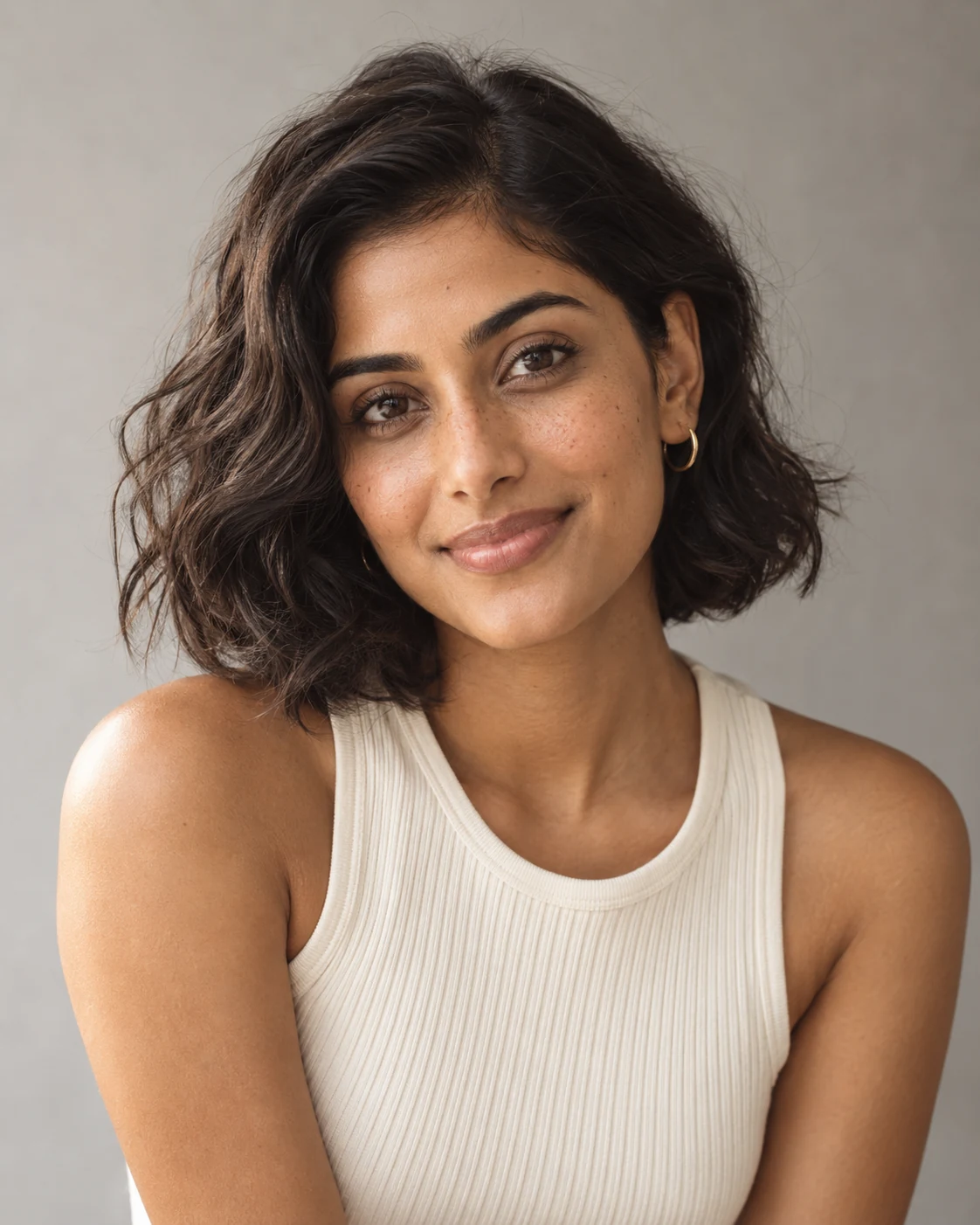
The presenter holds SOL at a sunlit café. A warm, natural smile.

1 · Input
Bring your product, characters and references.
2 · Compose
Connect them to the right models and settings.
3 · Create
Shape the result and keep the take you like.
Change one thing. Keep everything else.
The same flow prepares every format. Choose a shape and the composition follows.
Follow one idea in three directions.
A character and a background become a scene. From that scene, the flow branches into a short film, a reel and a poster.
One scene. A film, a reel and a poster.
One last delivery. One train home.
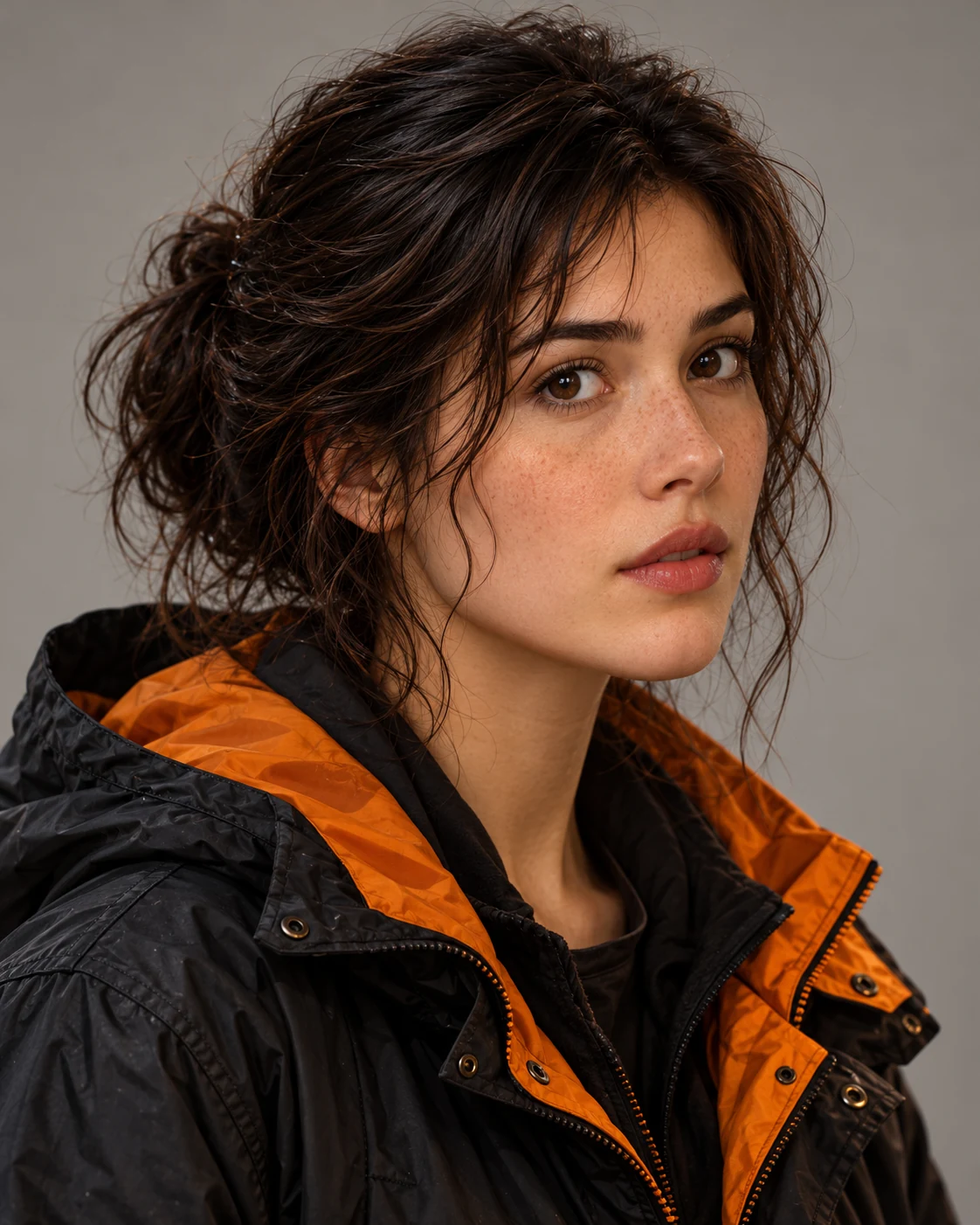
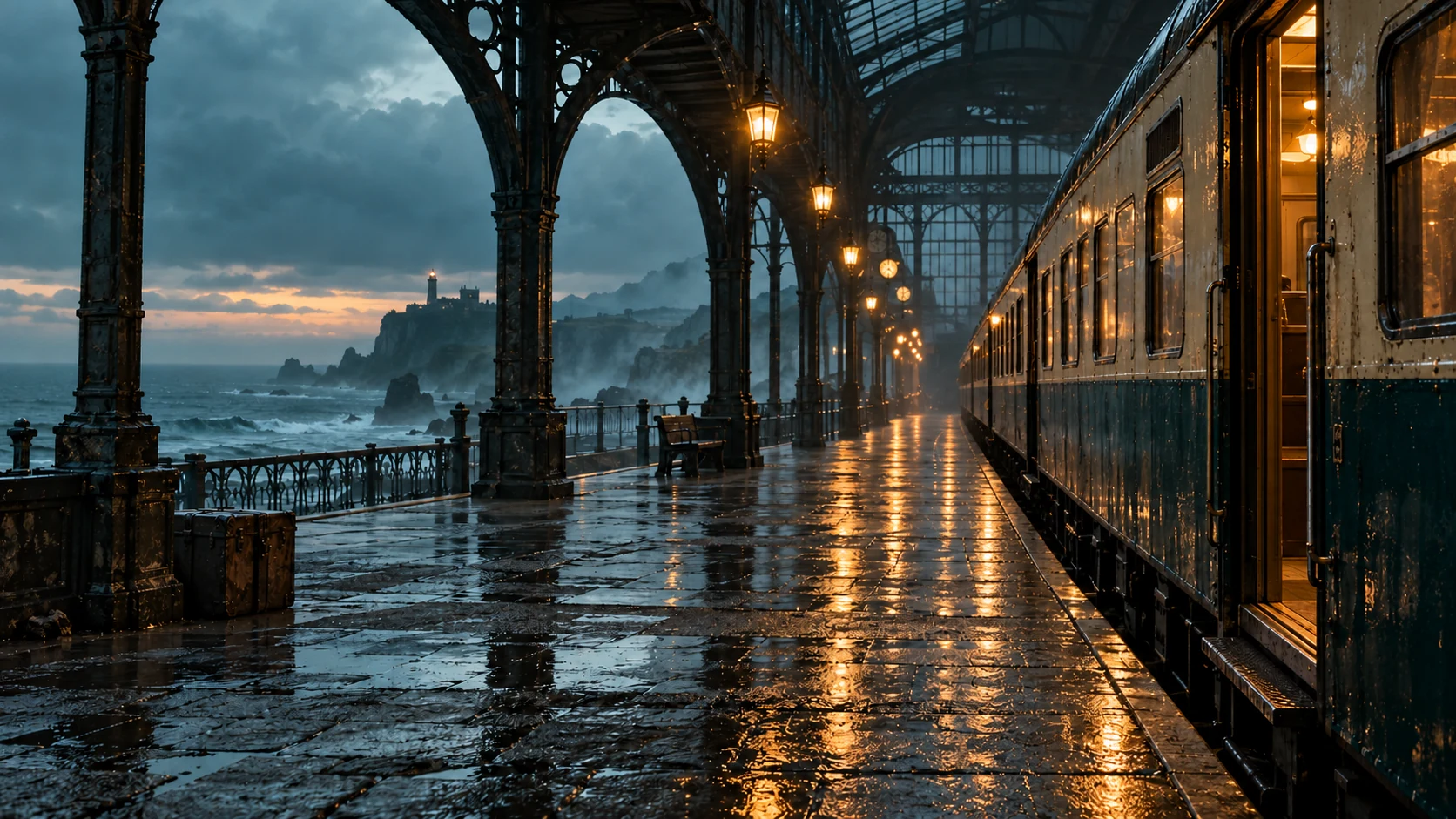
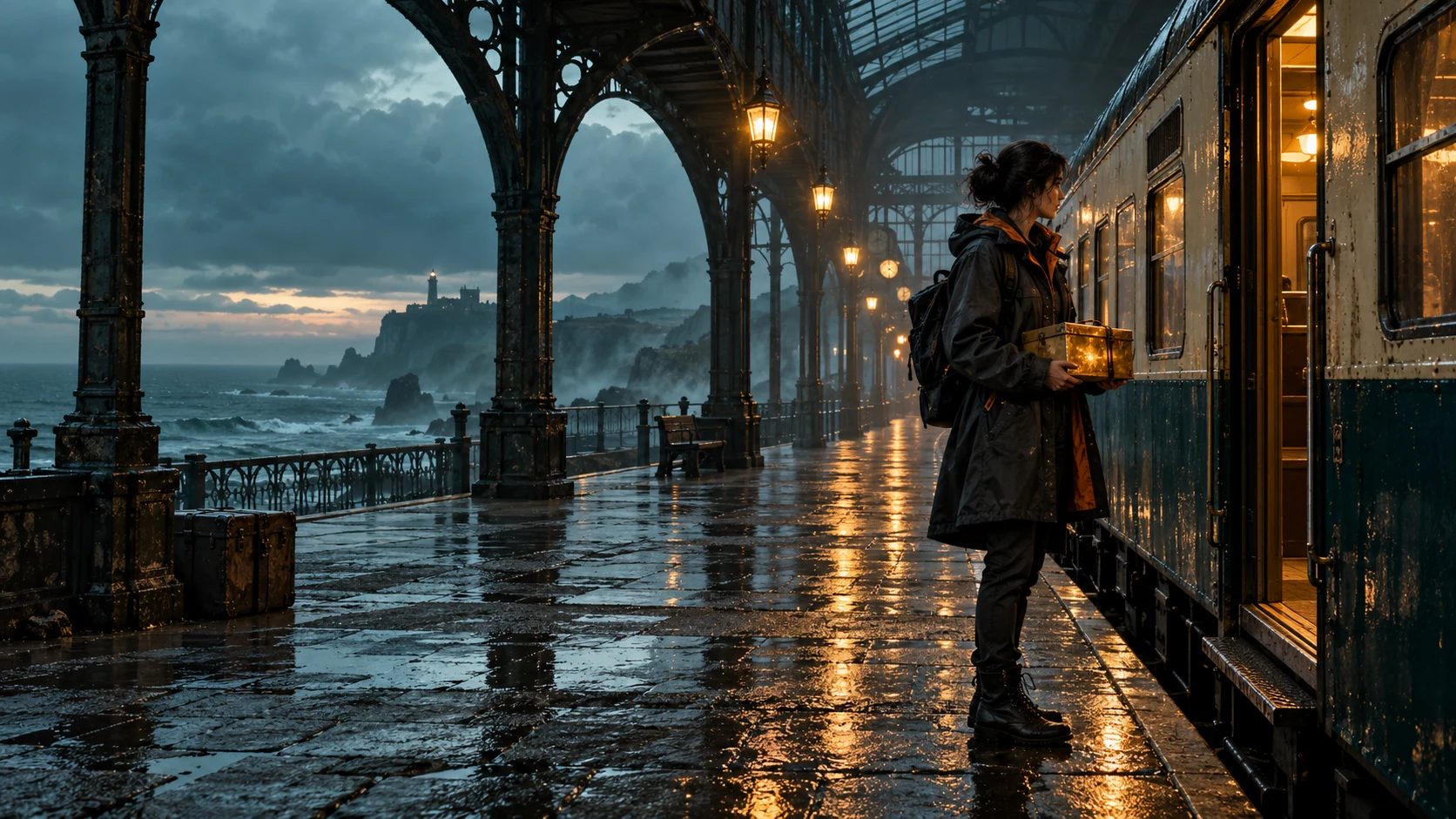
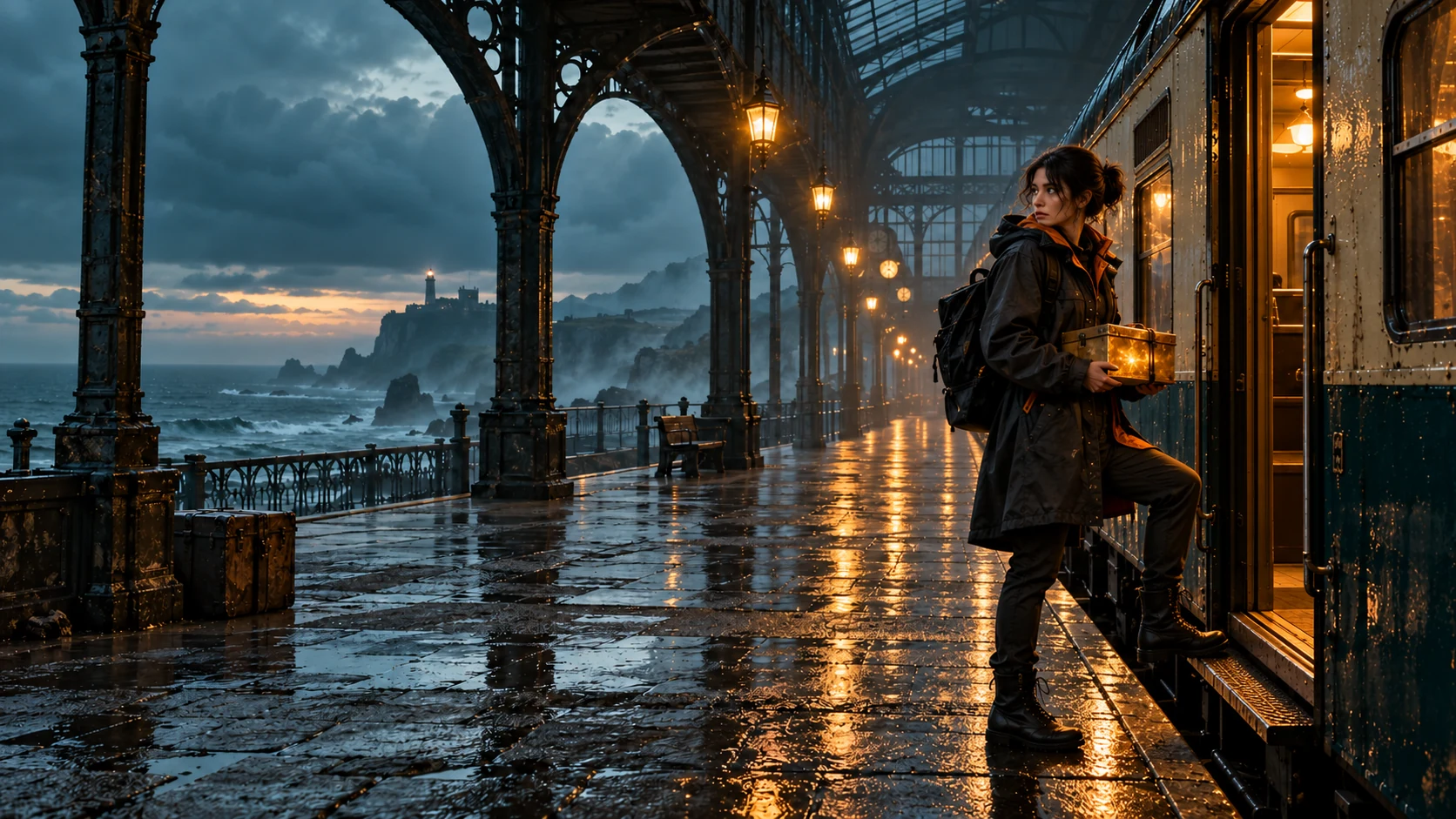
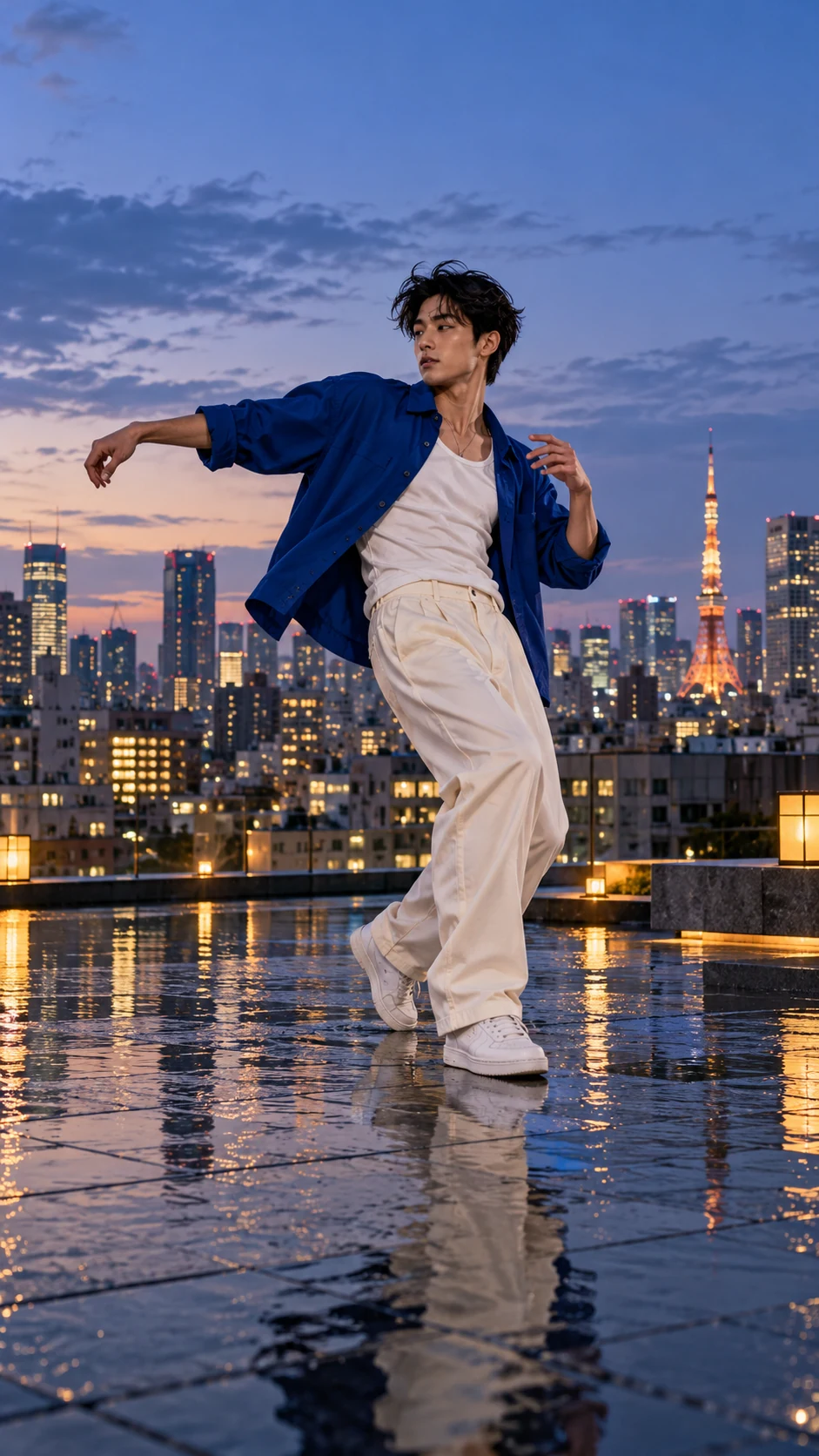
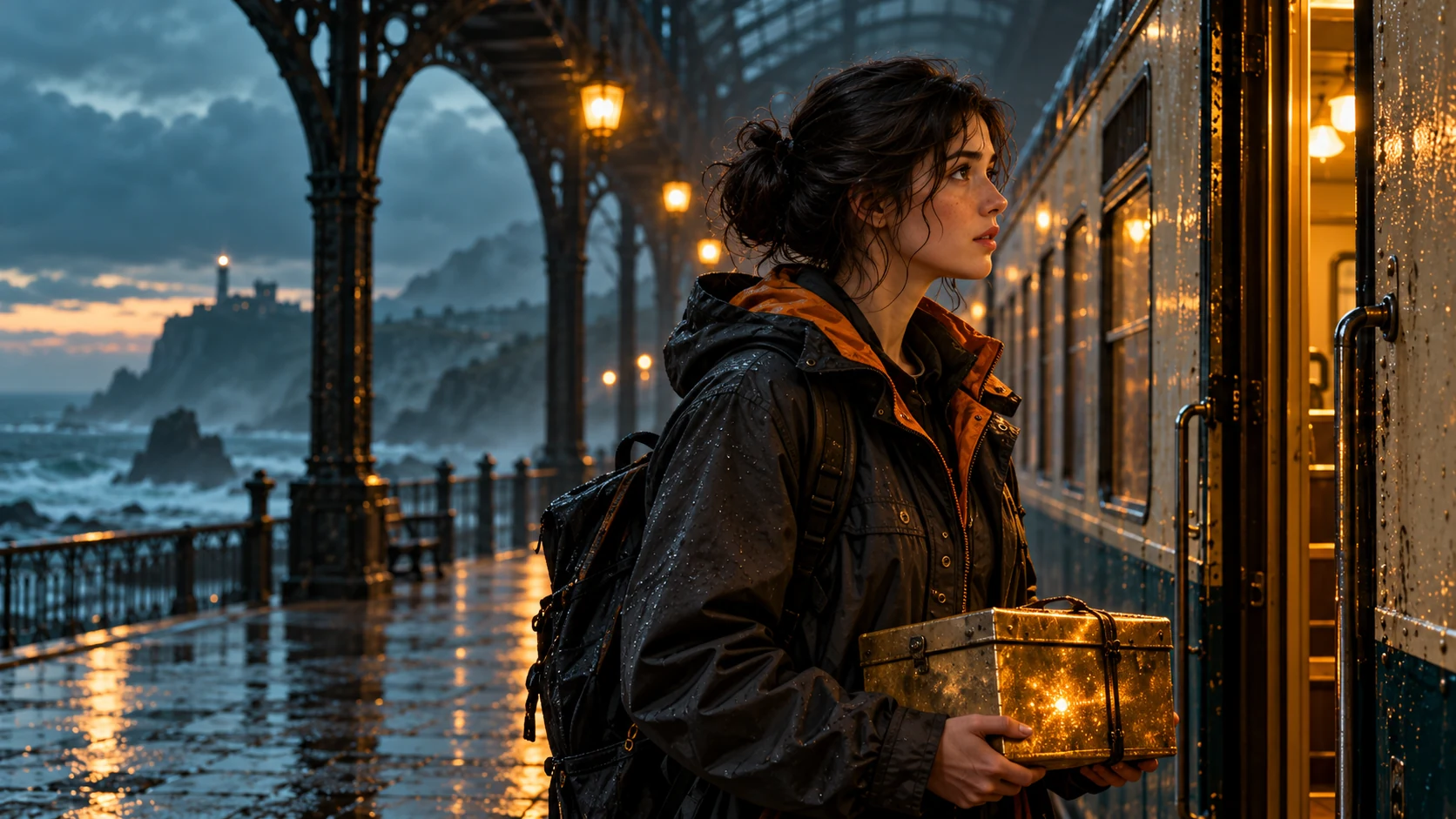
More than a shot. A finished story.
Keep the takes you like, arrange them in a Sequence, add voice or music, and export the film.
Start from a flow that already works.
Questions.
What is Flowline?
Flowline is Casimir's board for connected work. You place steps for prompts, images, characters, video models and sound, and the lines between them describe how one result becomes the next.
Do I need to know how to code?
No. Start from a template or connect a few steps. You can begin with one image and one video model.
Can I use my own images and footage?
Yes. Bring images, video clips and audio to the board and use them as references or starting points.
Can I reuse a flow?
Yes. Branch one input into several steps, switch between inputs, or save a group of connected steps to use on another board.
Are these examples real generations?
The boards on this page are illustrations made from concept frames, not recordings of live generation.
Make the next connection.
Start with one image and one model. Add steps as the idea grows.