
Casimir, inside
the conversation.
Connect Casimir to Claude or ChatGPT and brief images, ads and films from the assistant you already work in.
Brief it like a colleague.
Name your product and your cast. Casimir already knows what they look like, so the assistant returns finished work, not a first guess.
 Morning cup with
 @Noor. Warm morning light, square and vertical.

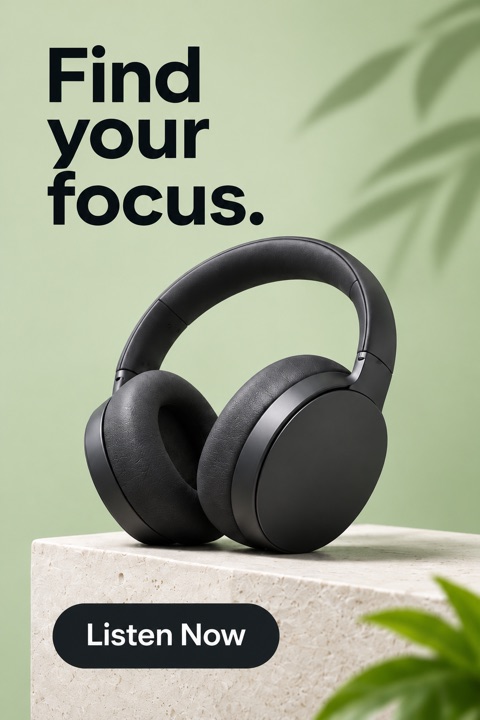
Here are three directions. All three are saved to your Casimir library. Should I turn the second into a short video?
Sample conversation, showing the planned experience.
Connected in three steps.
Open the settings
Add Casimir
Sign in, then ask
Sign in to Casimir once. After that, ask for what you need and review the result in the same conversation.
The same work, from a chat.
What you make in a conversation lands in your Casimir library, ready to refine in the full tools.
Every model Casimir runs.
Which models are available through the connection will be confirmed at launch.
Questions.
What is MCP?
Model Context Protocol is an open standard that lets AI assistants use outside tools. With it, an assistant can ask Casimir to make an image or a video for you.
Is it available now?
Not yet. The server is being built. This page shows the planned experience, and the address above is not active.
Which assistants will it work with?
We are building for Claude, ChatGPT and Claude Code first, and any app that supports remote MCP servers should be able to connect. The final list comes at launch.
Do I need a Casimir account?
Yes, you sign in to Casimir once when you connect. The exact sign-in steps will be confirmed at launch.
Is it charged separately?
Pricing for the connection has not been announced. It will appear on the Pricing page.
Can I use Casimir today?
Yes. Every tool on this website works in the Casimir app now.
The tools are ready today.
Start in the app now. Connect your assistant when the server opens.