A cast that stays
the same person.
Build a character once. Aura ID keeps the face, build and style identical in every image, ad and film you make.
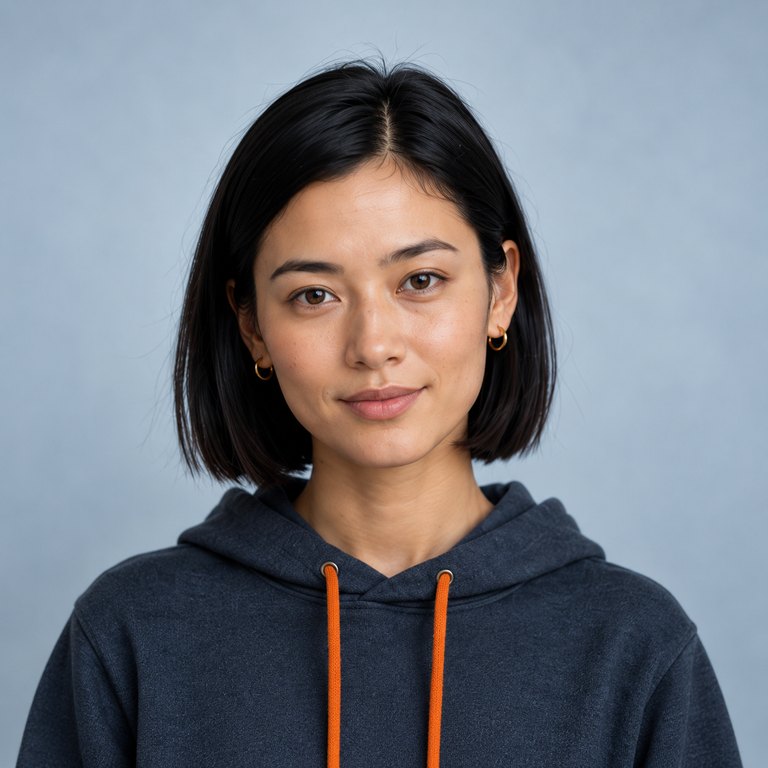











Build a character once
Describe the person or start from references, and Aura ID produces a character sheet to approve.
Cast them anywhere
Name the character in a prompt with @ and they appear in Canvas, Shorts Studio and Stage One.
Not only people
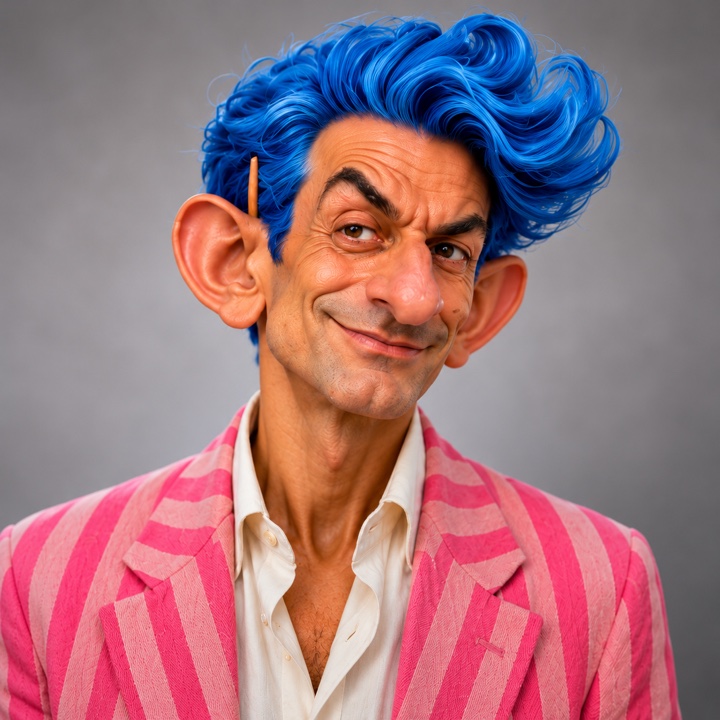
Animals, creatures and stylised characters get the same treatment.
One character. The same face in every scene.
Save a character once, then cast her anywhere.
Seven pictures, one saved character. The first is her sheet. The other six were made from it.
One character. Many roles.
Each sheet holds the character in a different look: every angle, every expression, every outfit. Cast them in any part and the face stays the same.
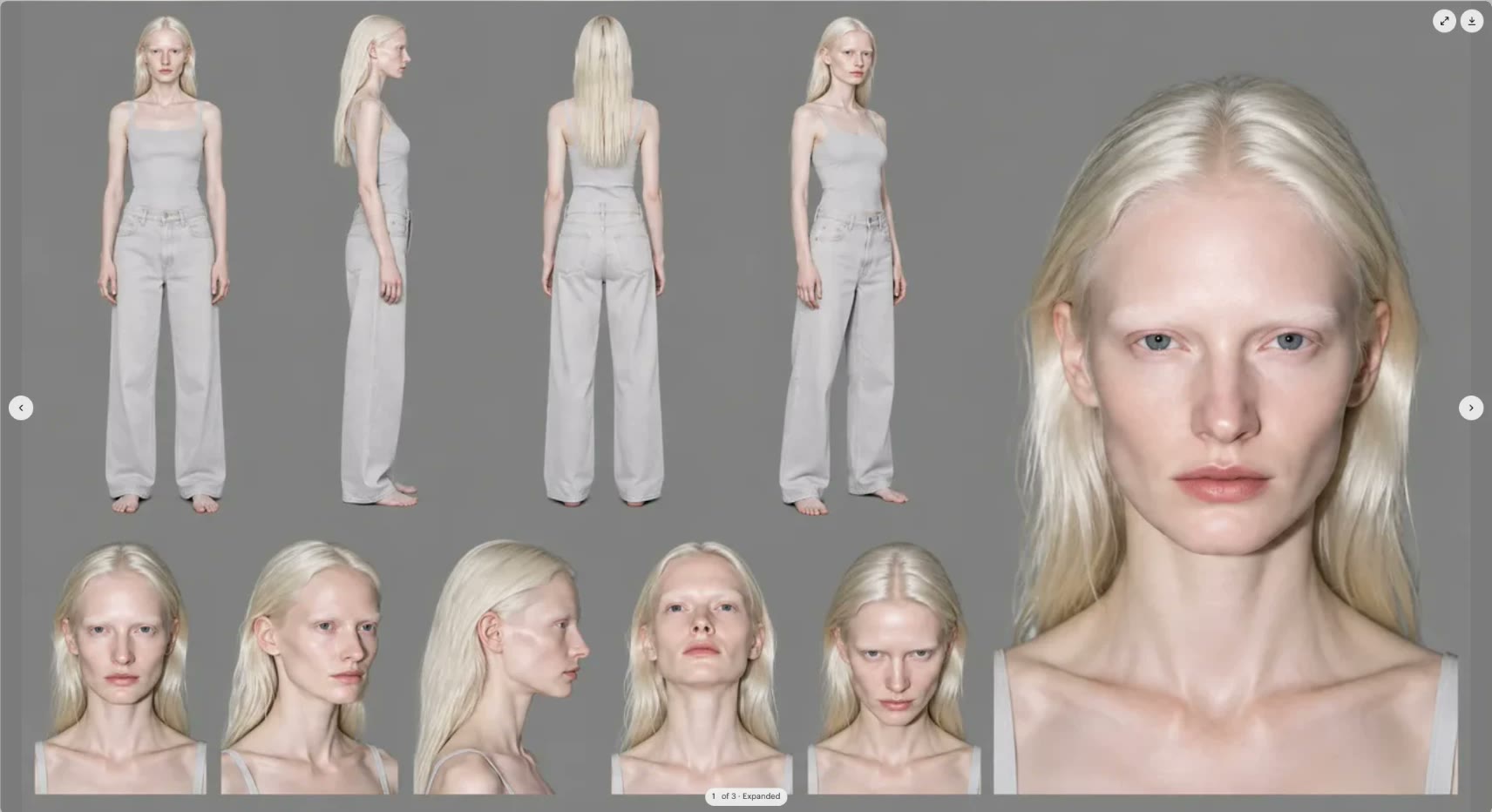 1 of 2 · Expanded
A sketch of a character sheet in Aura ID. Pick a sheet to see it large. Nothing is generated here.
One sheet defines the character.
Front, profile and expression views fix how the character looks from every angle. Every tool reads the same sheet.



Where your cast works.
A character built here is available in every tool.

Questions.
What is a character in Casimir?
A saved identity: the face, build and style of one person, animal or creature, kept as a character sheet.
How do I use a character?
Type @ and the name in any prompt. The tool uses the sheet as its reference.
Can I make a character that is not human?
Yes. Animals, creatures and stylised characters are supported.
Can my team share a cast?
Characters live in your library. Team plans share one library across the workspace.
The rest of the platform.
Every tool shares your brand, your cast and your library.
Meet your cast.
Create the first character in a few minutes.