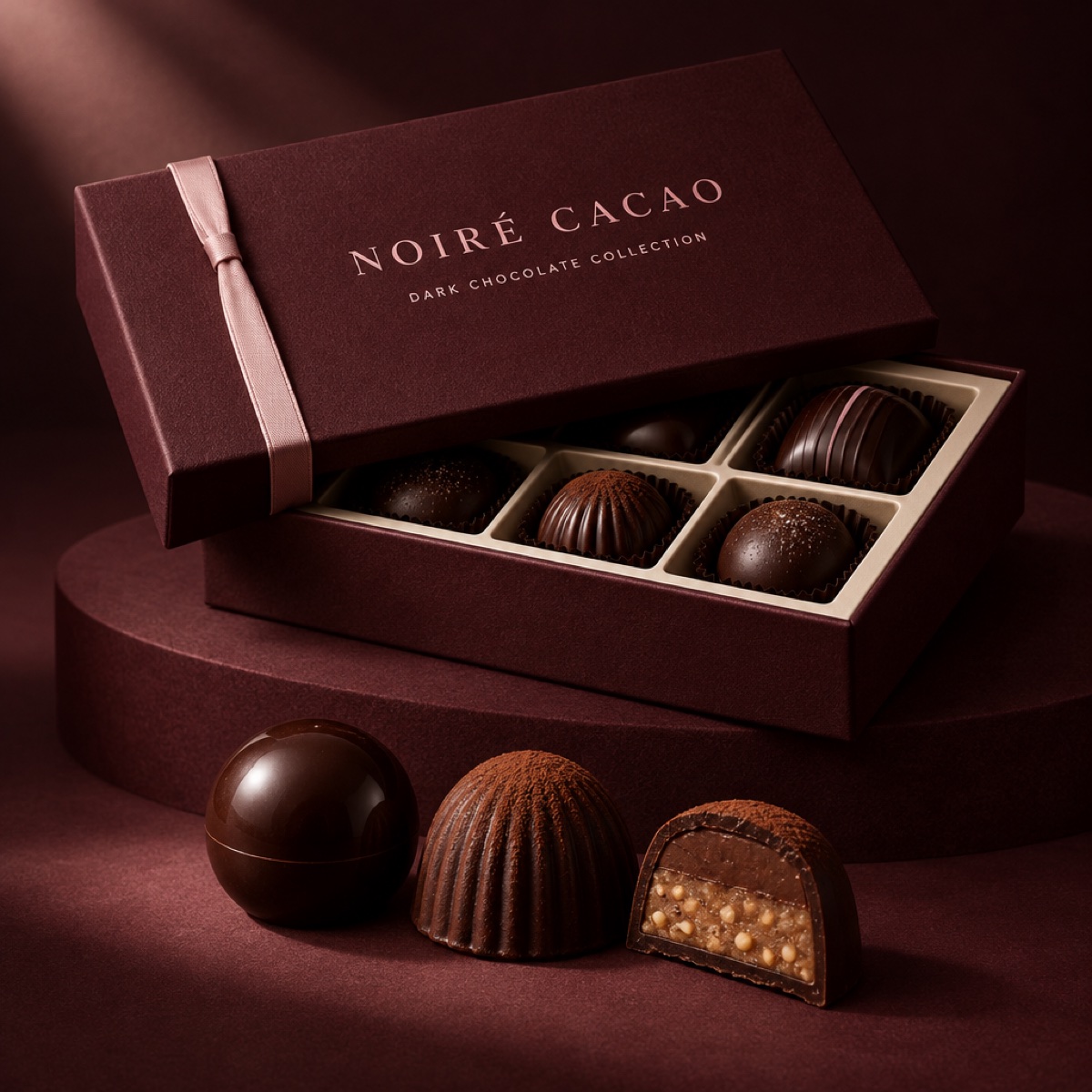
Static ads that hold
your brand in every frame.
Pick a template, add your product and a presenter, and get a set of ads. Ad Studio lives inside Canvas.
Start with one product shot
Upload a picture of the product. Add a presenter from Aura ID if the ad needs a person.
Pick a template
Each template is a finished direction: the layout, the light and the type. Your product goes into it.
Get a set, not one picture
Up to four variations from one run, so you can choose and refine.
One product. A full set of ads.
Pick a template, add your product and your Aura ID, and run it.
A sketch of Static Ads in Canvas. Pick a template to see it change. Nothing is generated here.
Your brand, applied automatically.
Casimir reads your logo, palette, products and tone of voice once. Every ad draws on them, so the hundredth matches the first.
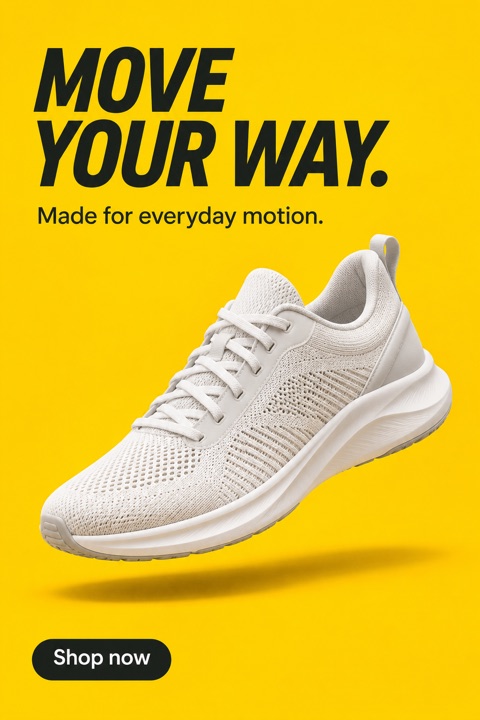

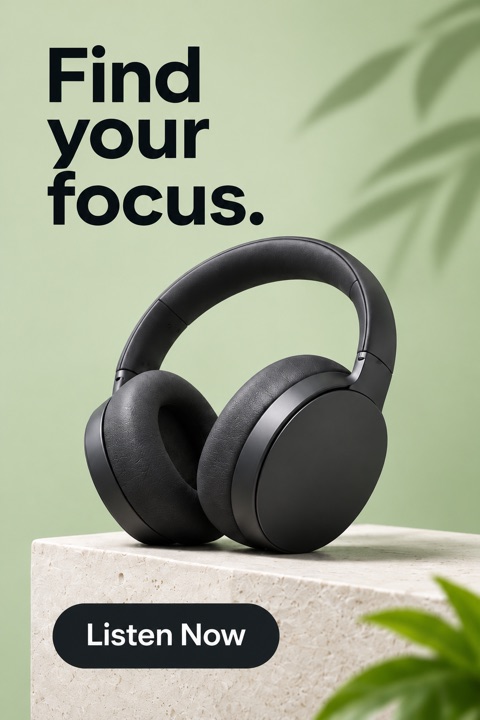

Keep working on the ad in Canvas.
Every ad is a Canvas picture. Change one thing with an instruction, relight it, or carry a new palette onto the product.
See Canvas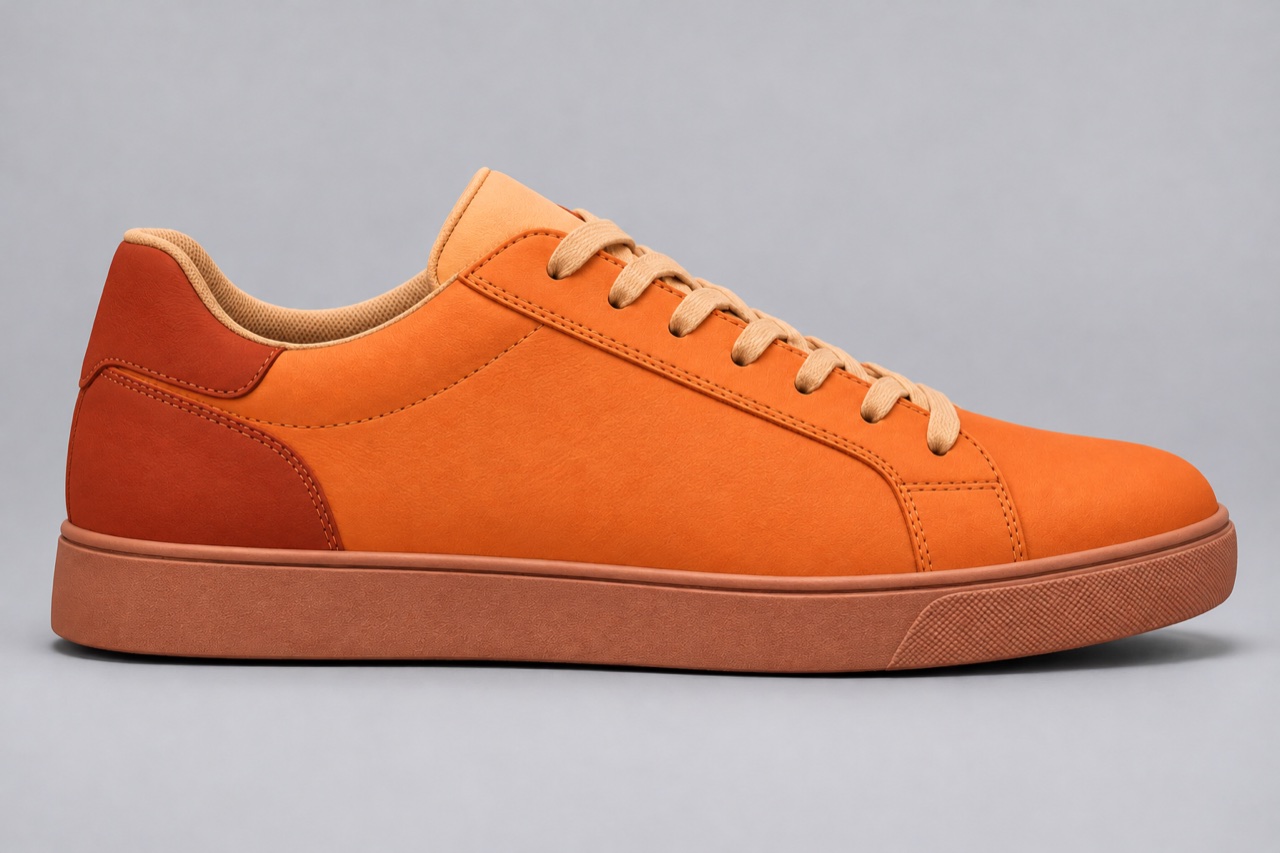
Product video lives in Shorts Studio.
Pick a format, add the same product and presenter, and Shorts Studio makes the video.
See Shorts StudioQuestions.
What can Ad Studio make?
Static ads: product pictures with your brand, a presenter if you want one, and text.
Where is it?
Inside Canvas. Ads you make are Canvas pictures, so every Canvas tool works on them.
What about video ads?
Product video is made in Shorts Studio, using the same product and presenter.
How does it stay on brand?
It uses Brand DNA: the logo, palette, products and tone of voice you set up once.
The rest of the platform.
Every tool shares your brand, your cast and your library.
Your next ad starts with one picture.
Upload a product shot and see the first set in minutes.